Create SQS Queues
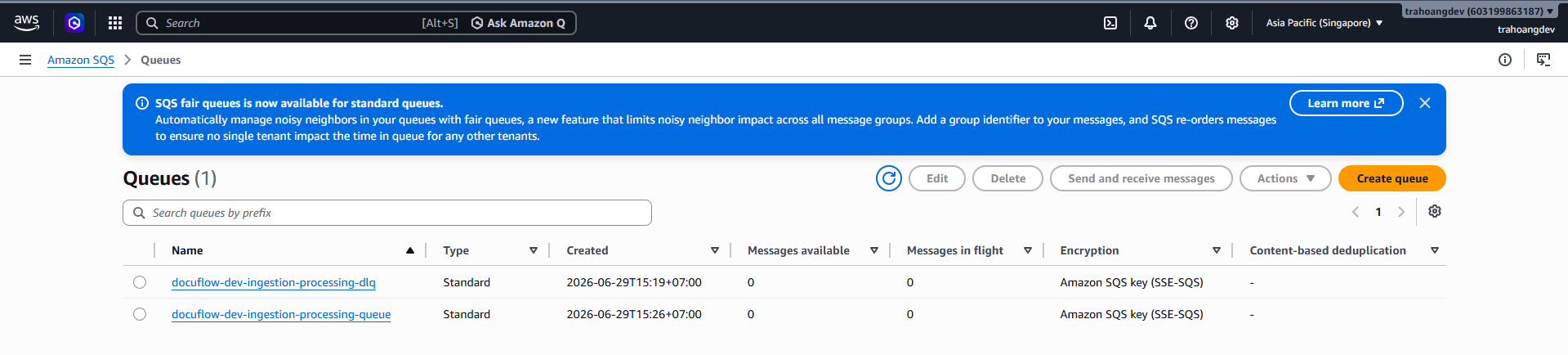
Create SQS DLQ and Main Queue
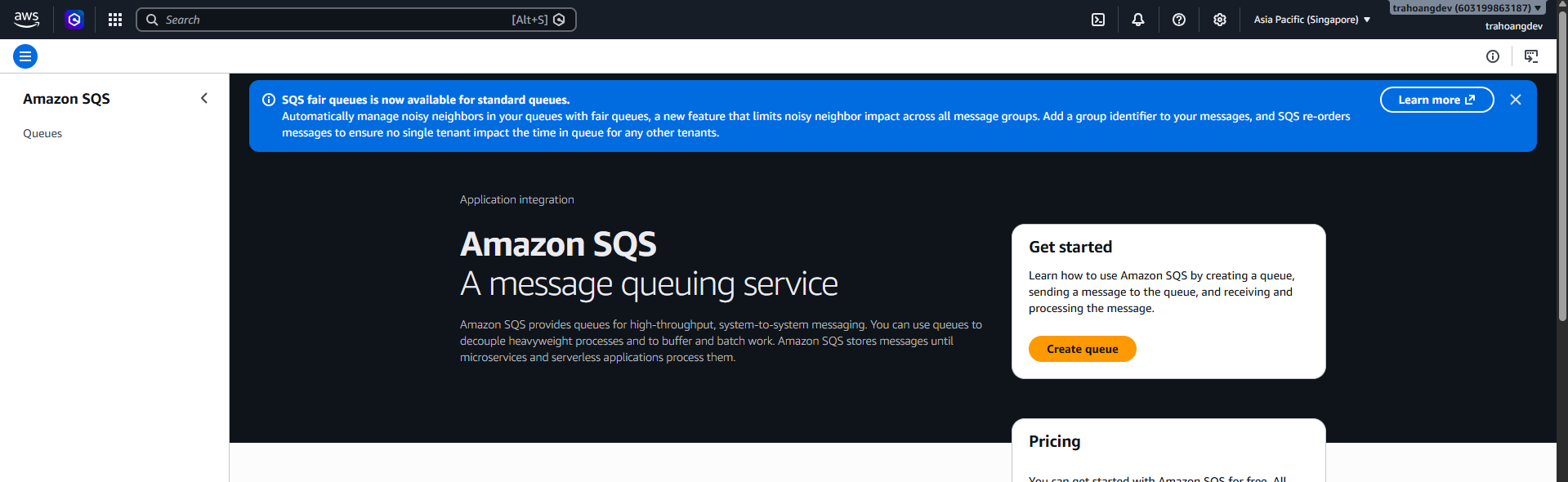
 In the AWS search bar, type: SQS → Select Simple Queue Service → Queues → Create queue.
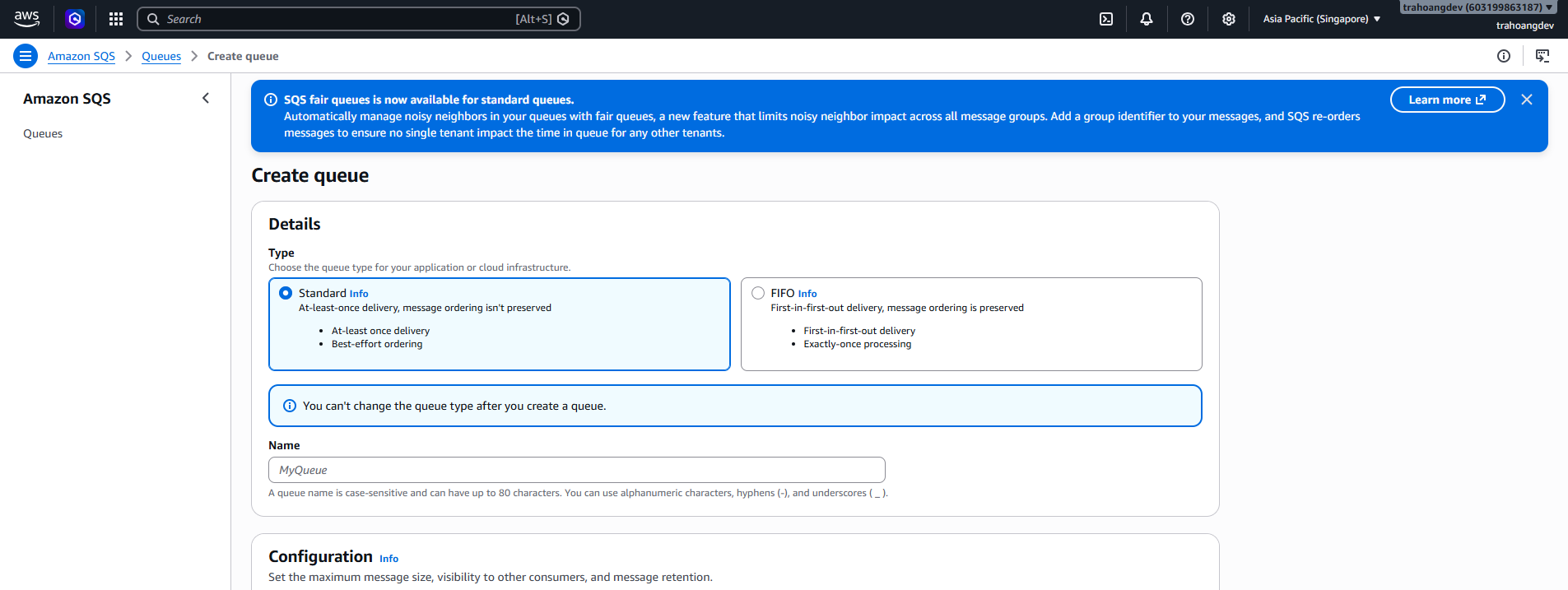
Step 1: Create a Dead-letter queue (DLQ)
- In the Type section, select: Standard (Do not select FIFO).
- For Name, enter:
docuflow-dev-ingestion-processing-dlq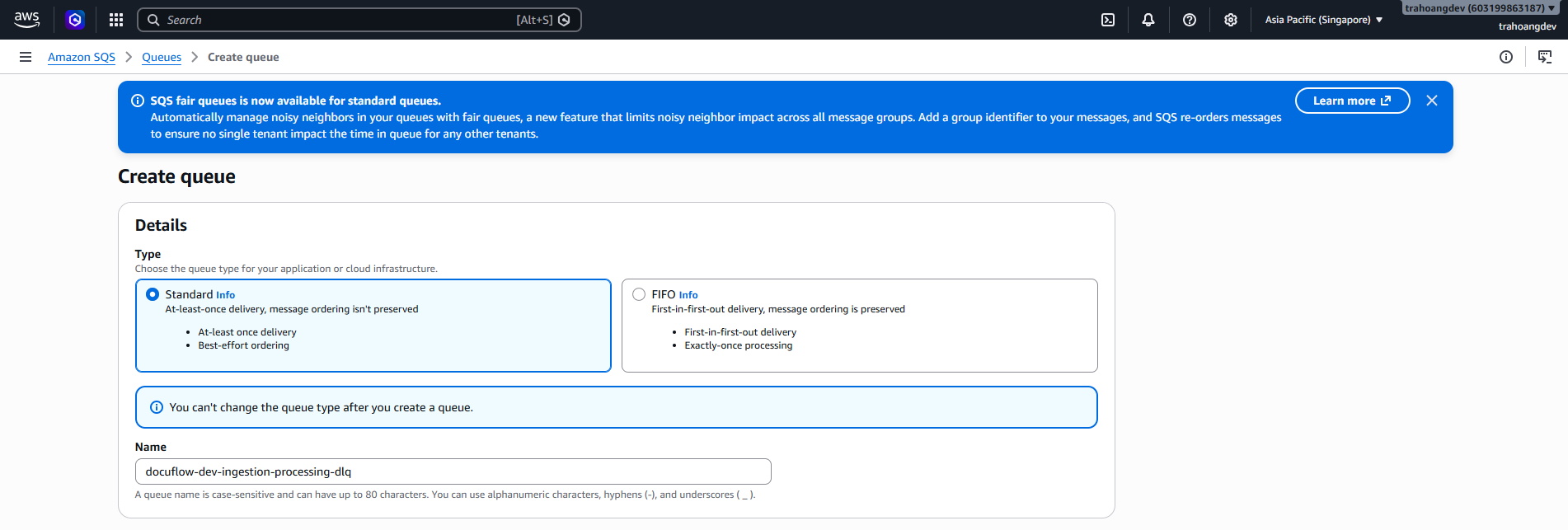
- Configuration section:
Item Value Visibility timeout 30 seconds or keep default Message retention period 4 days Delivery delay 0 seconds Maximum message size default Receive message wait time 0 seconds or default Encryption choose Amazon SQS key (SSE-SQS) if available Access policy Basic / default Redrive allow policy keep default - Click Create Queue.
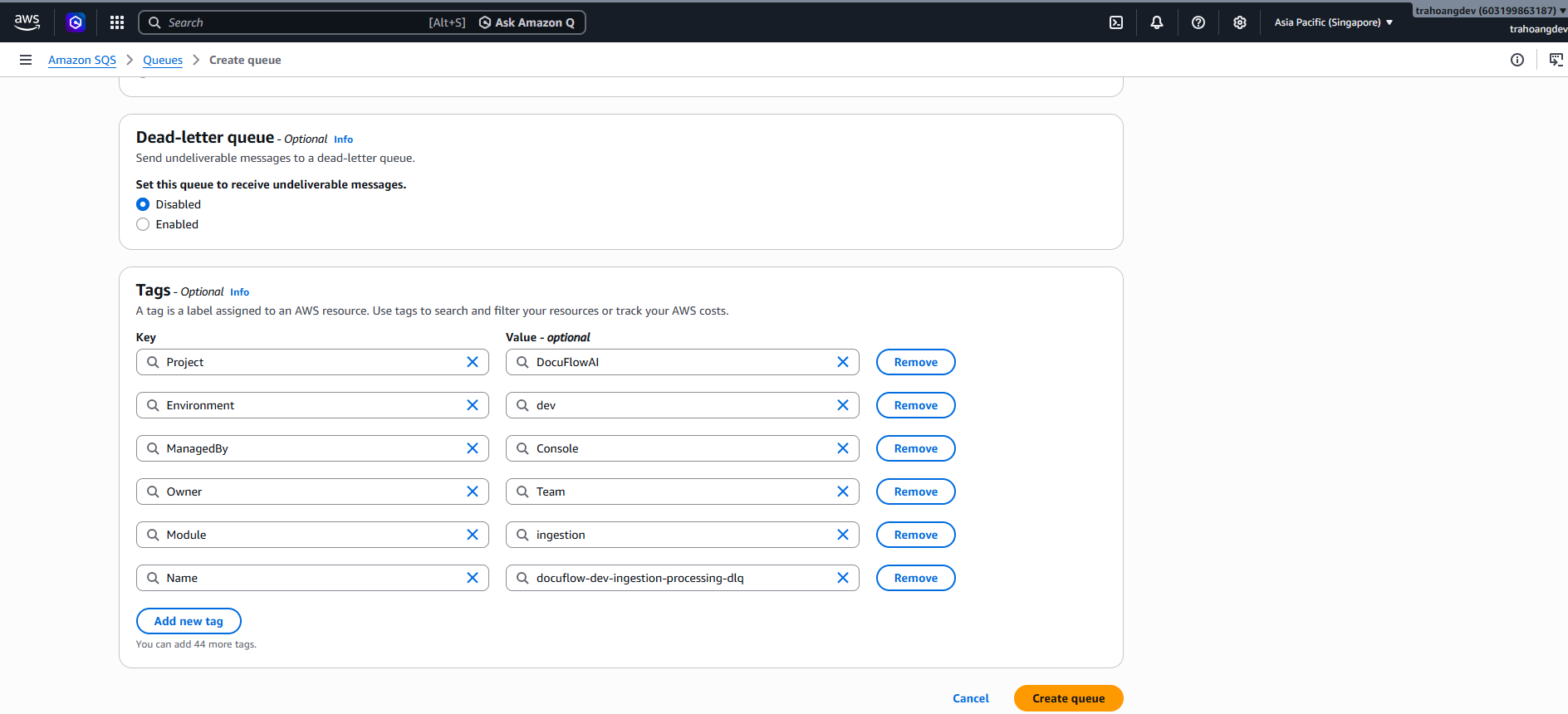

Step 2: Create the Main QUEUE
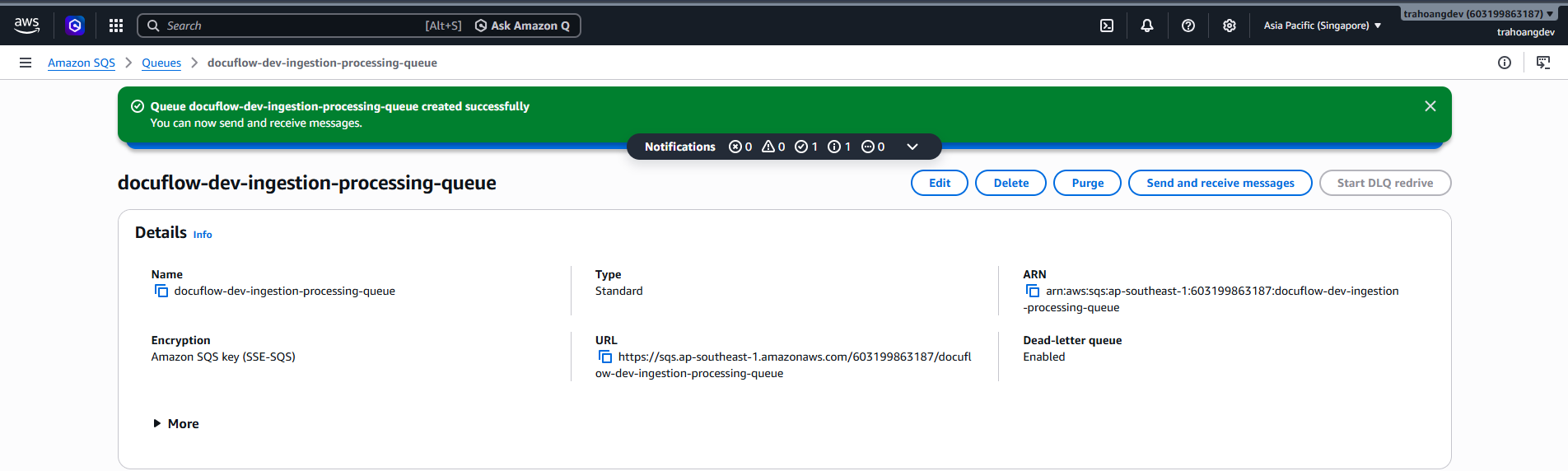
Create QUEUE name: docuflow-dev-ingestion-processing-queue
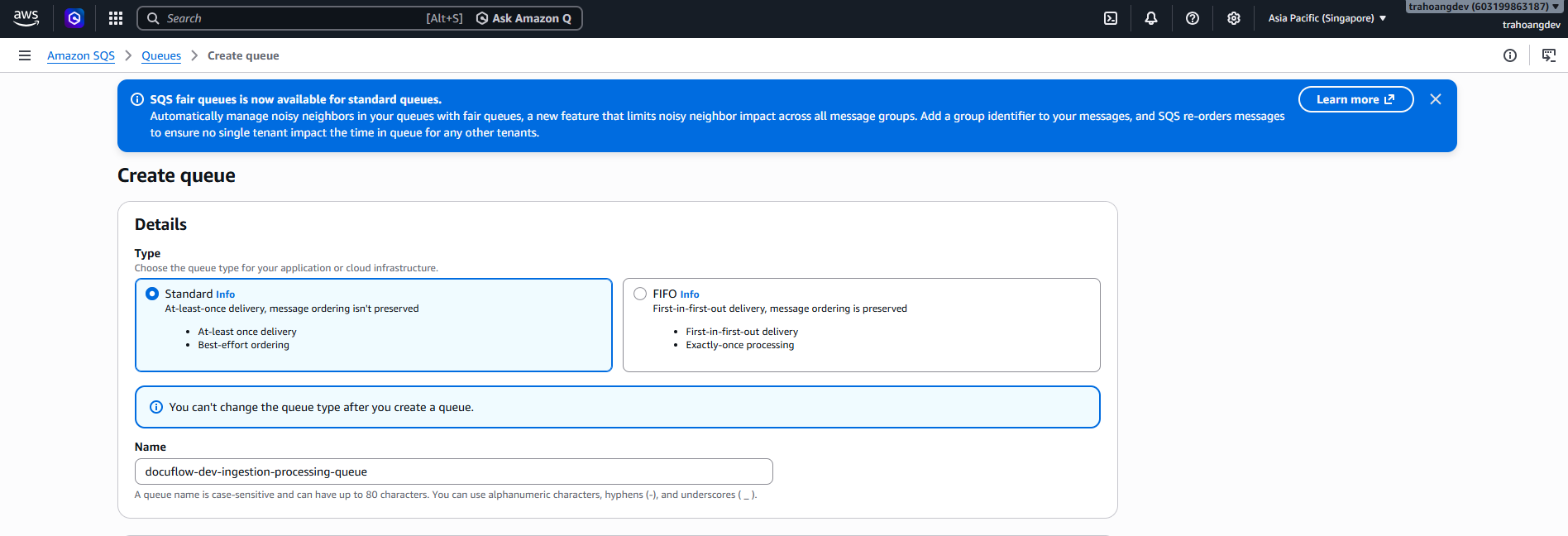
- Select the following configurations:
Section Value Type Standard Visibility timeout 2 minutes Message retention period 4 days Receive message wait time 10 seconds Encryption Enabled Encryption key type Amazon SQS key (SSE-SQS) Access policy Basic Send messages Only the queue owner Receive messages Only the queue owner - In the Dead-letter queue section, this time select: Enable
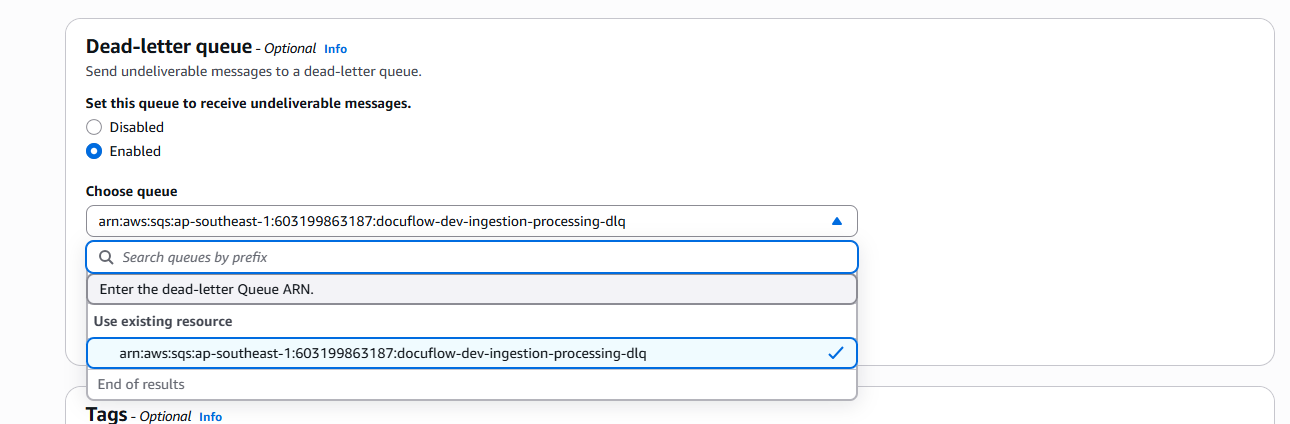
- Then select the DLQ:
docuflow-dev-ingestion-processing-dlq - Maximum receives:
3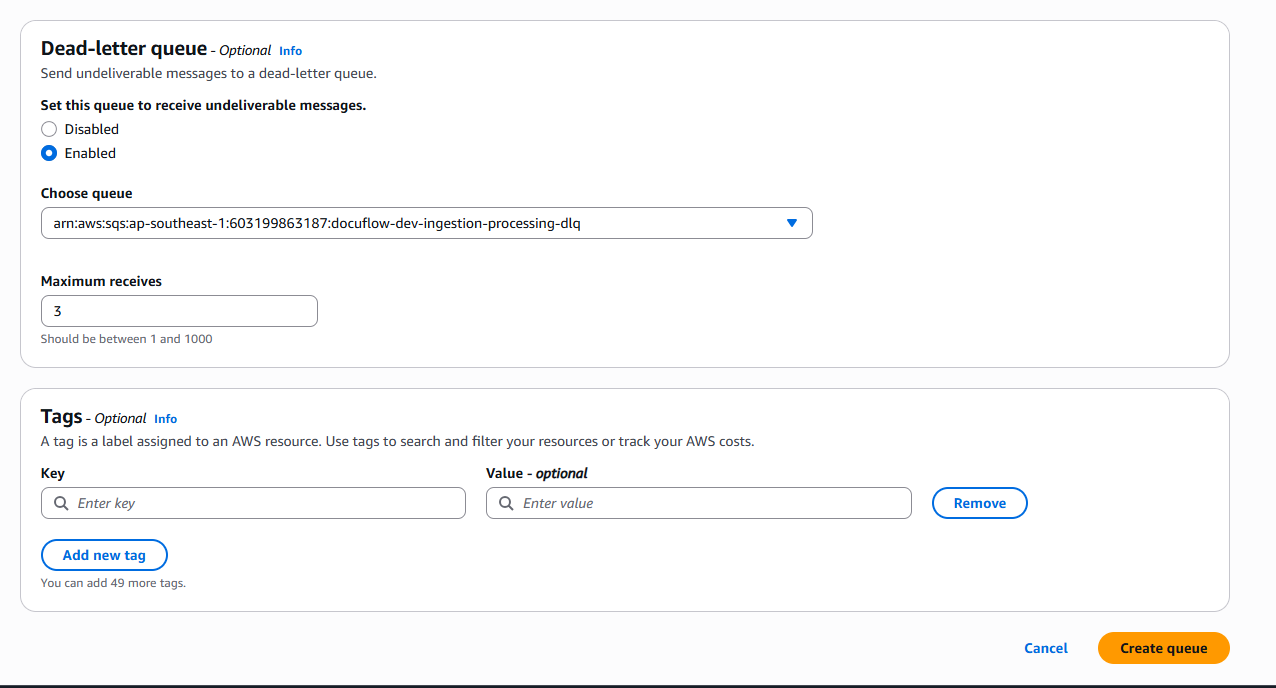
- Tags section
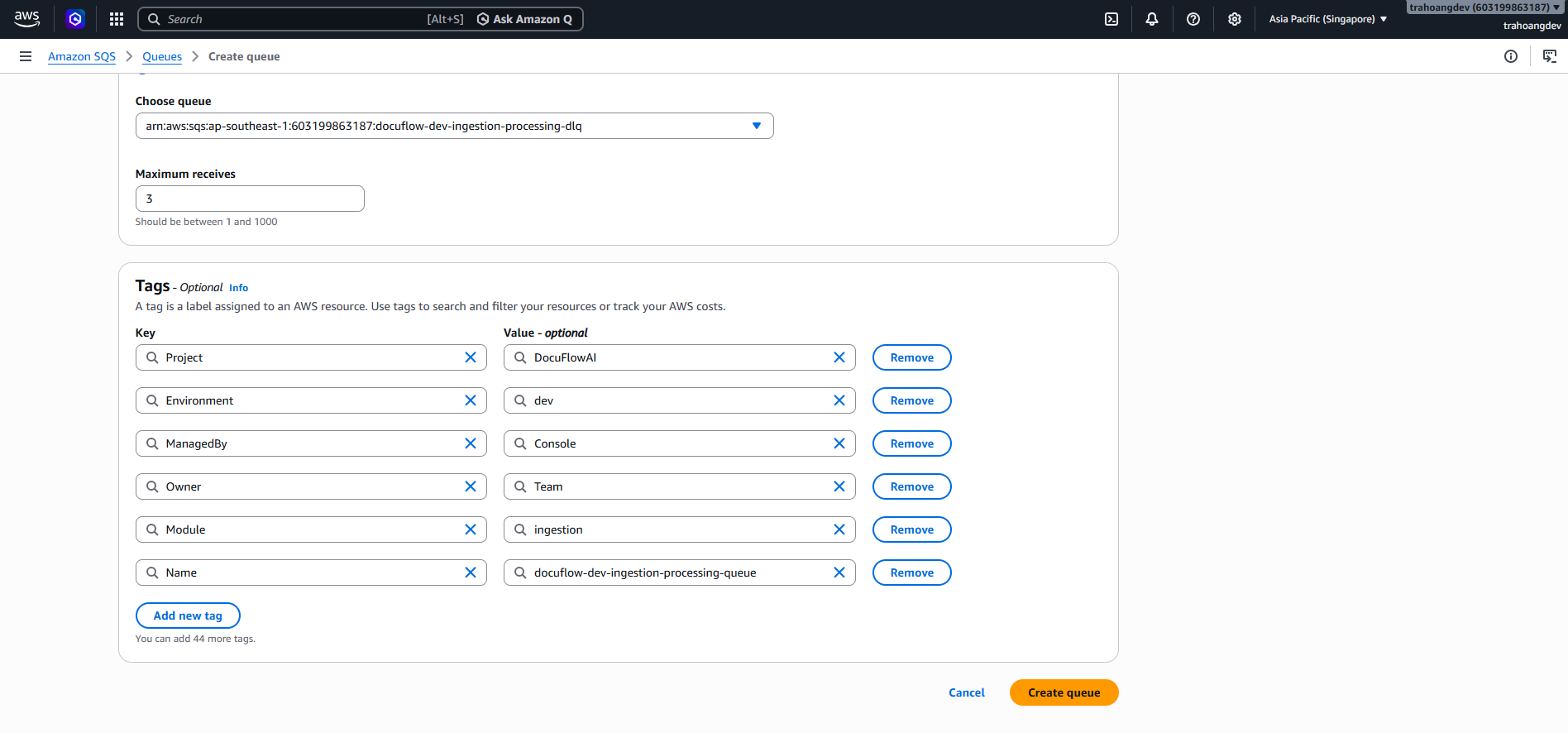
- Click Create Queue.