Create EventBridge rule and Test
Create EventBridge rule: S3 Raw → SQS
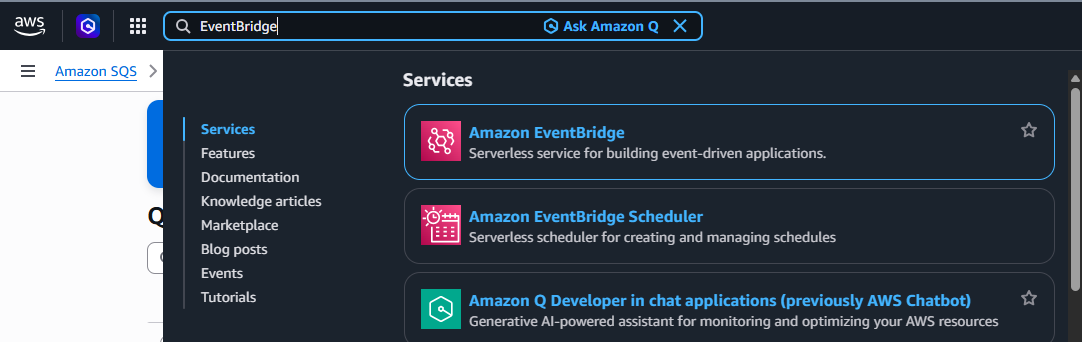
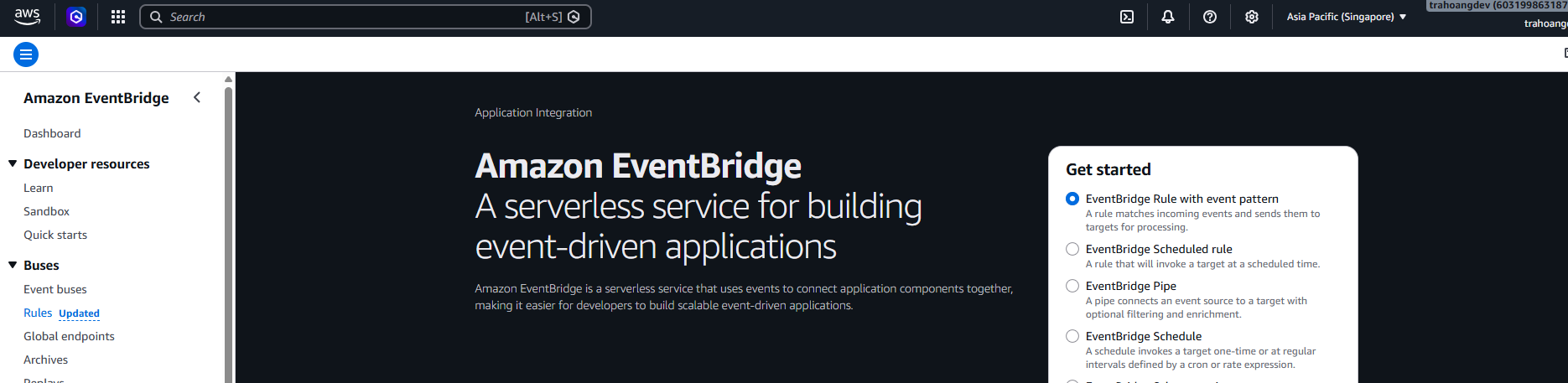
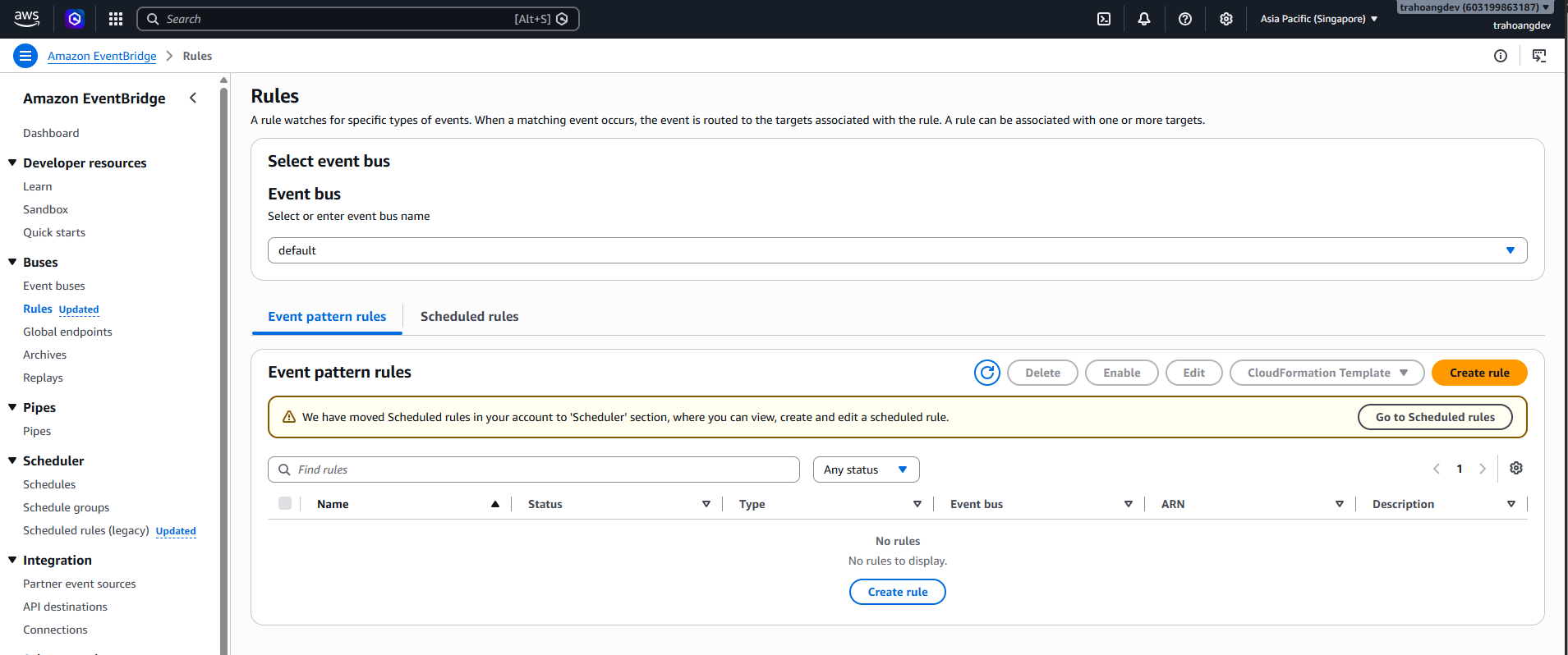
- Open EventBridge and select: Amazon EventBridge. On the left menu, select: Rules → Click: Create rule.
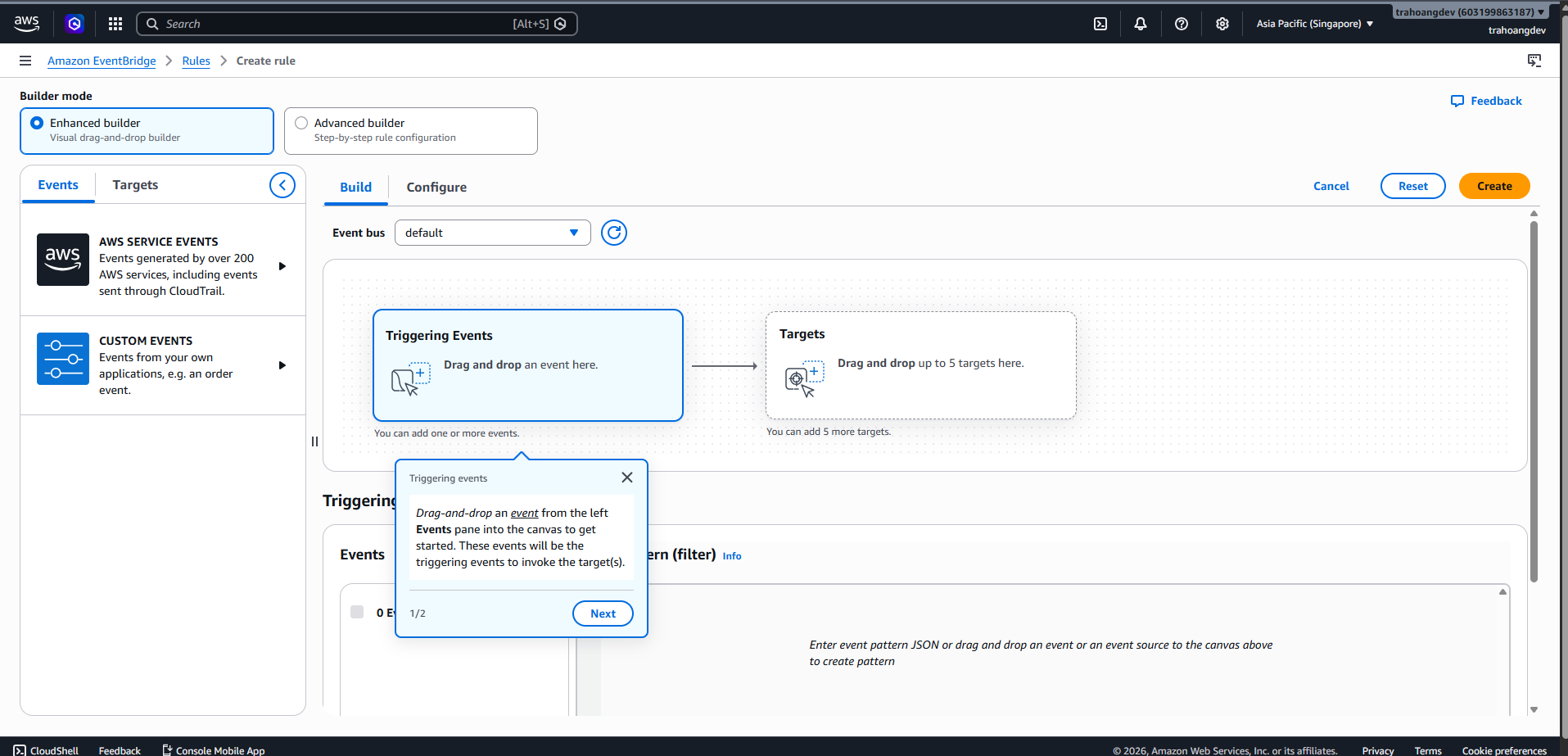
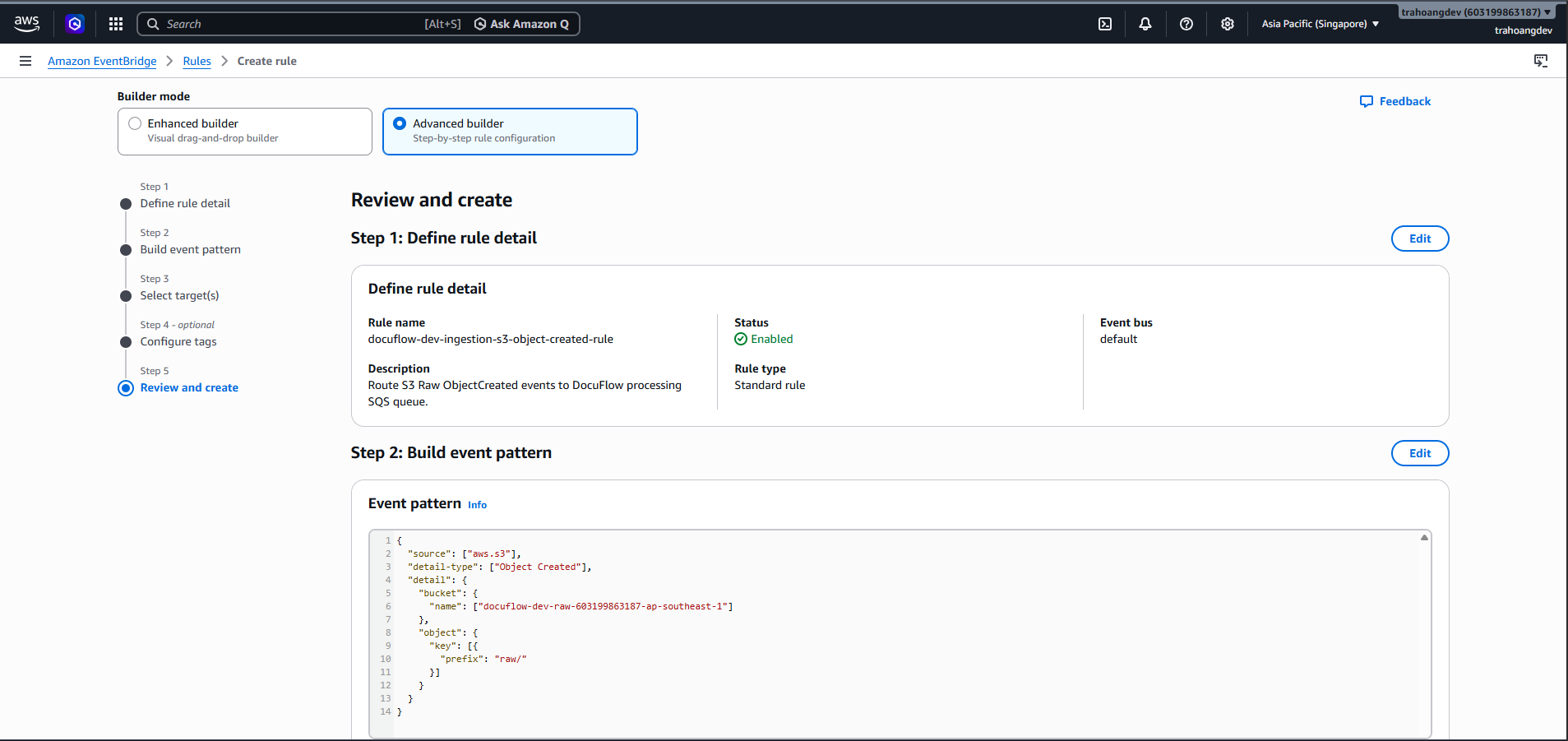
- Define rule detail:
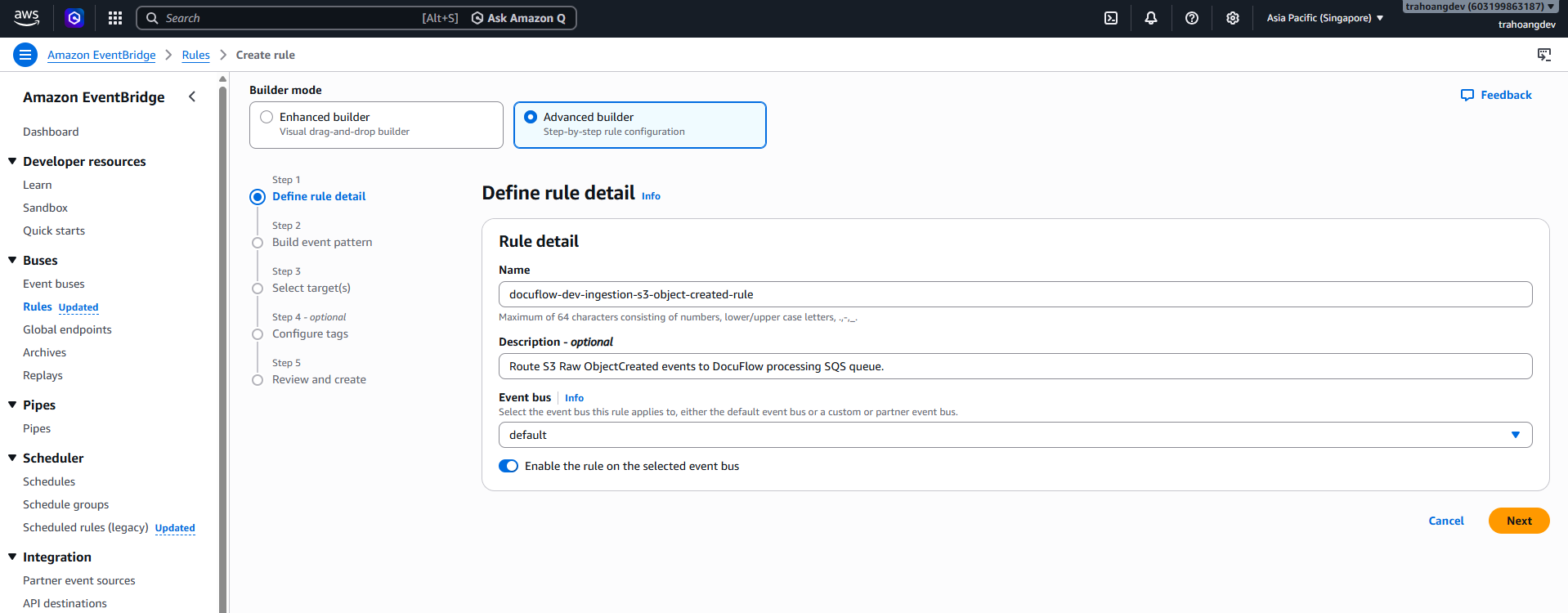
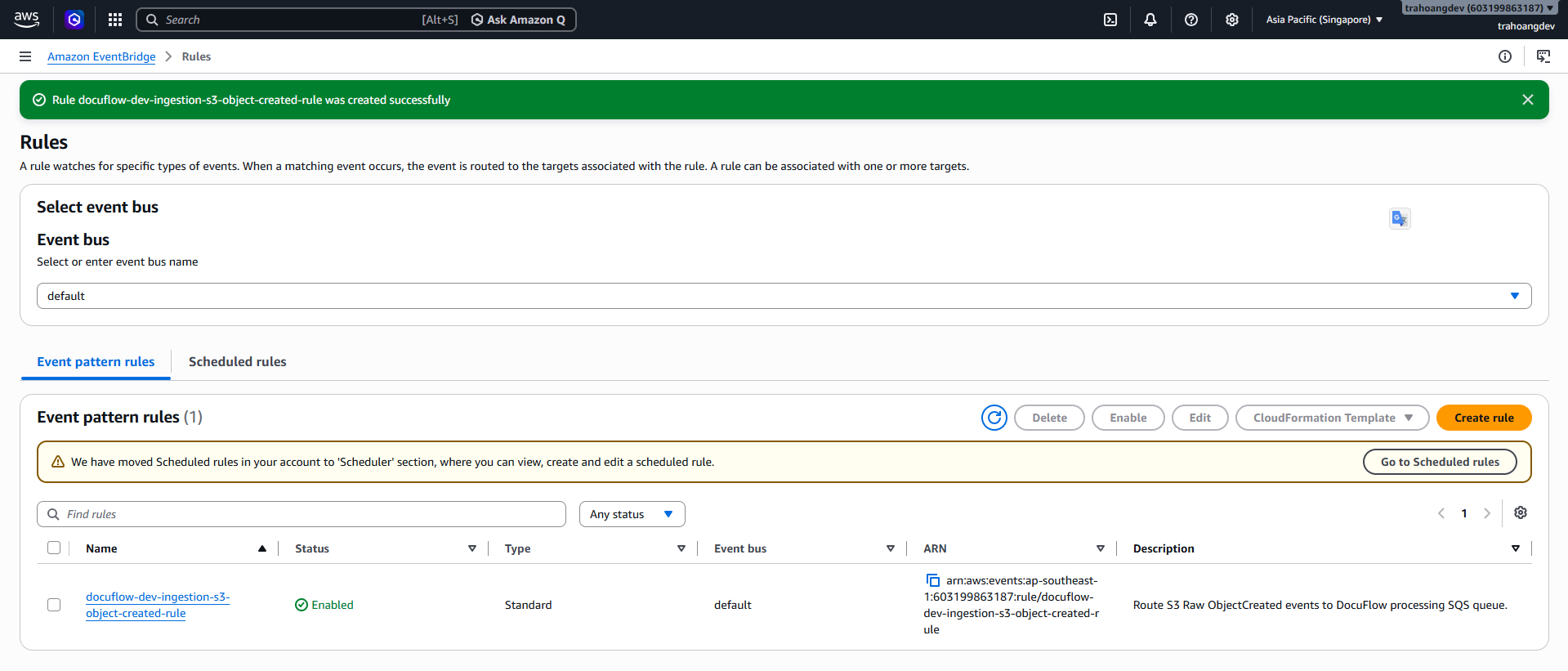
Field Value Name docuflow-dev-ingestion-s3-object-created-rule Description Route S3 Raw ObjectCreated events to DocuFlow processing SQS queue. Event bus default Rule type Rule with an event pattern - Build event pattern:
- In the Event source section, select: Other.
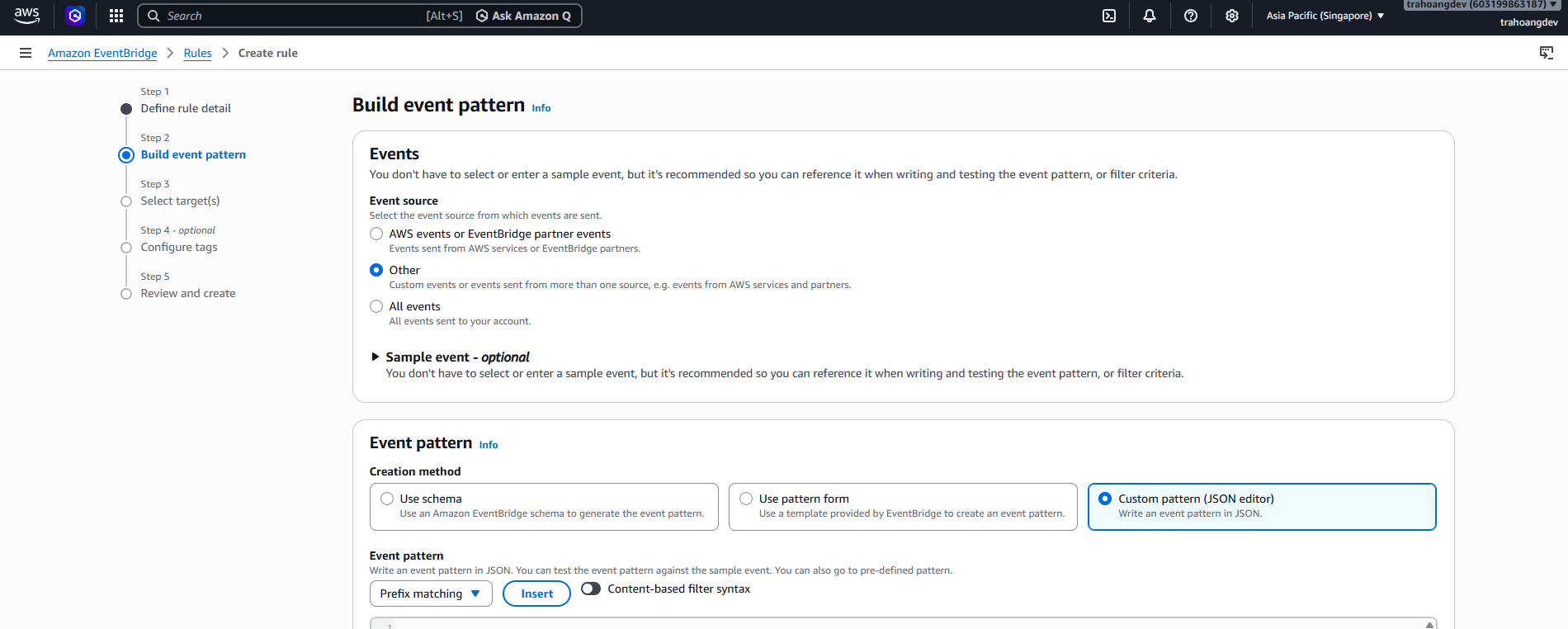
- Scroll down to the JSON box and paste this pattern:
{
  "source": ["aws.s3"],
  "detail-type": ["Object Created"],
  "detail": {
    "bucket": {
      "name": ["docuflow-dev-raw-[accountId]-ap-southeast-1"]
    },
    "object": {
      "key": [
        {
          "prefix": "raw/"
        }
      ]
    }
  }
}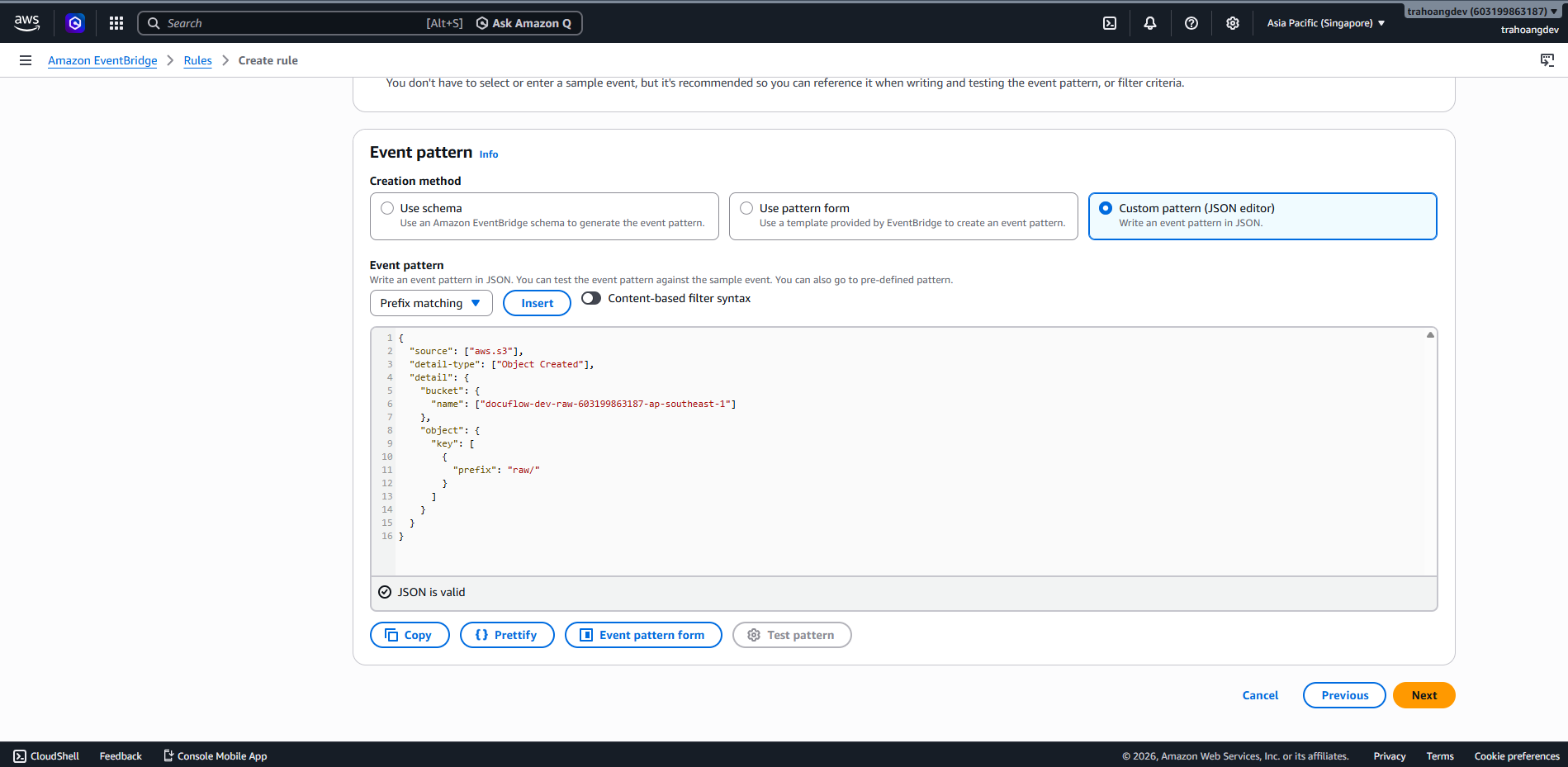
- Then click Next.
- In the Event source section, select: Other.
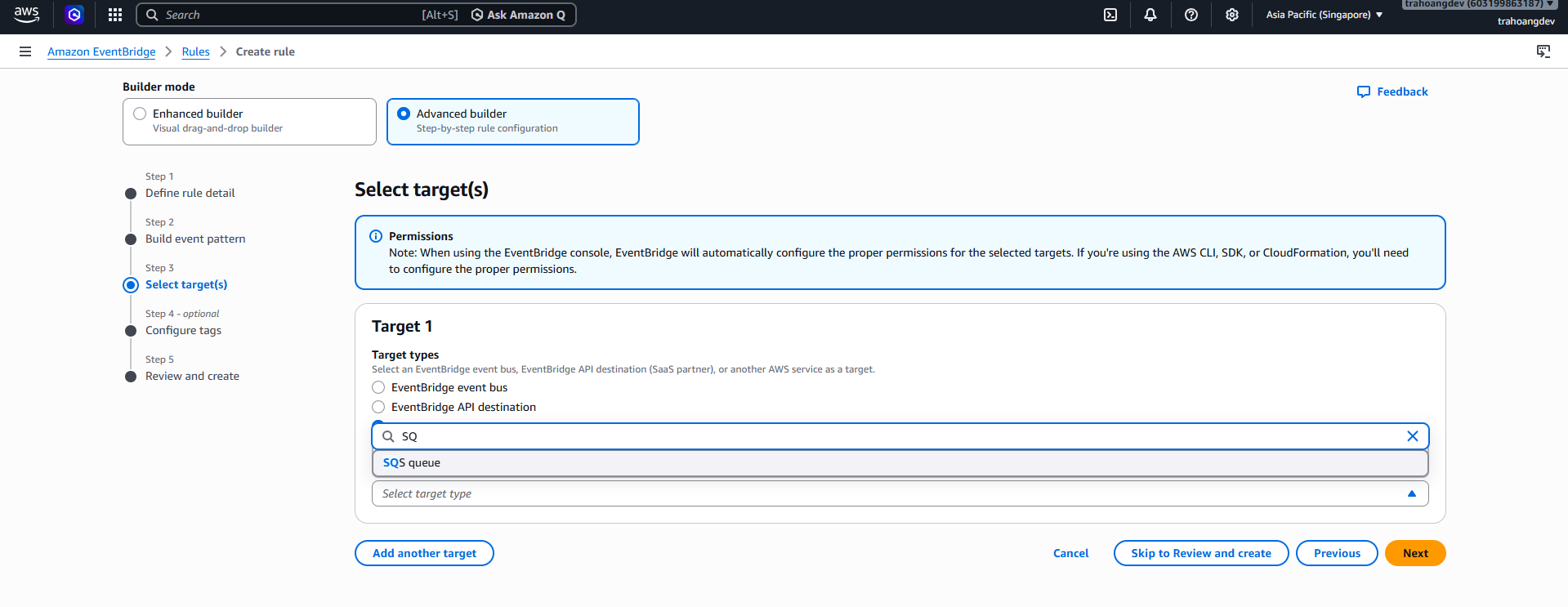
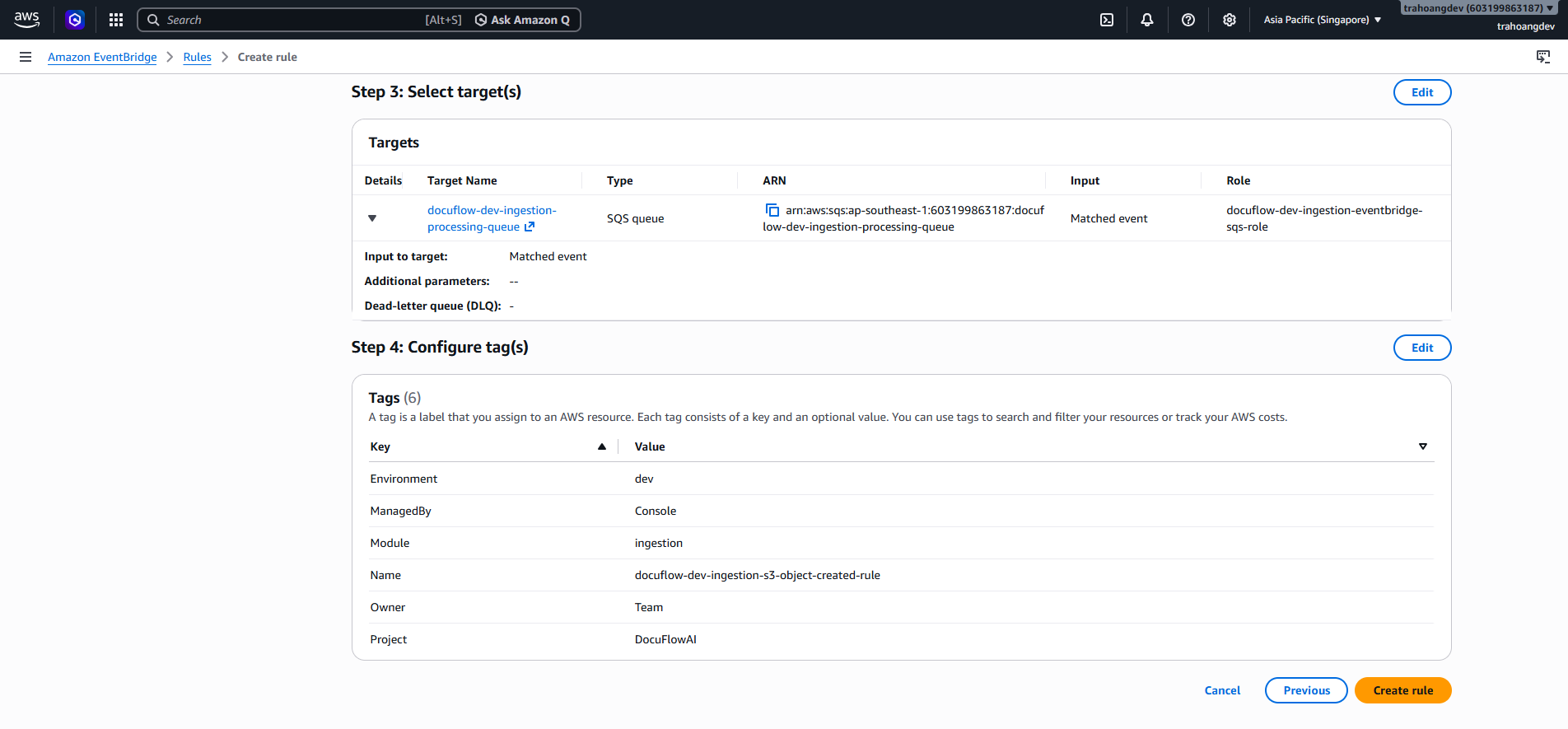
- Select target:
- On the Select target(s) screen, choose:
Field Selection Target type AWS service Select a target SQS queue Queue docuflow-dev-ingestion-processing-queue Input Matched event
- On the Select target(s) screen, choose:
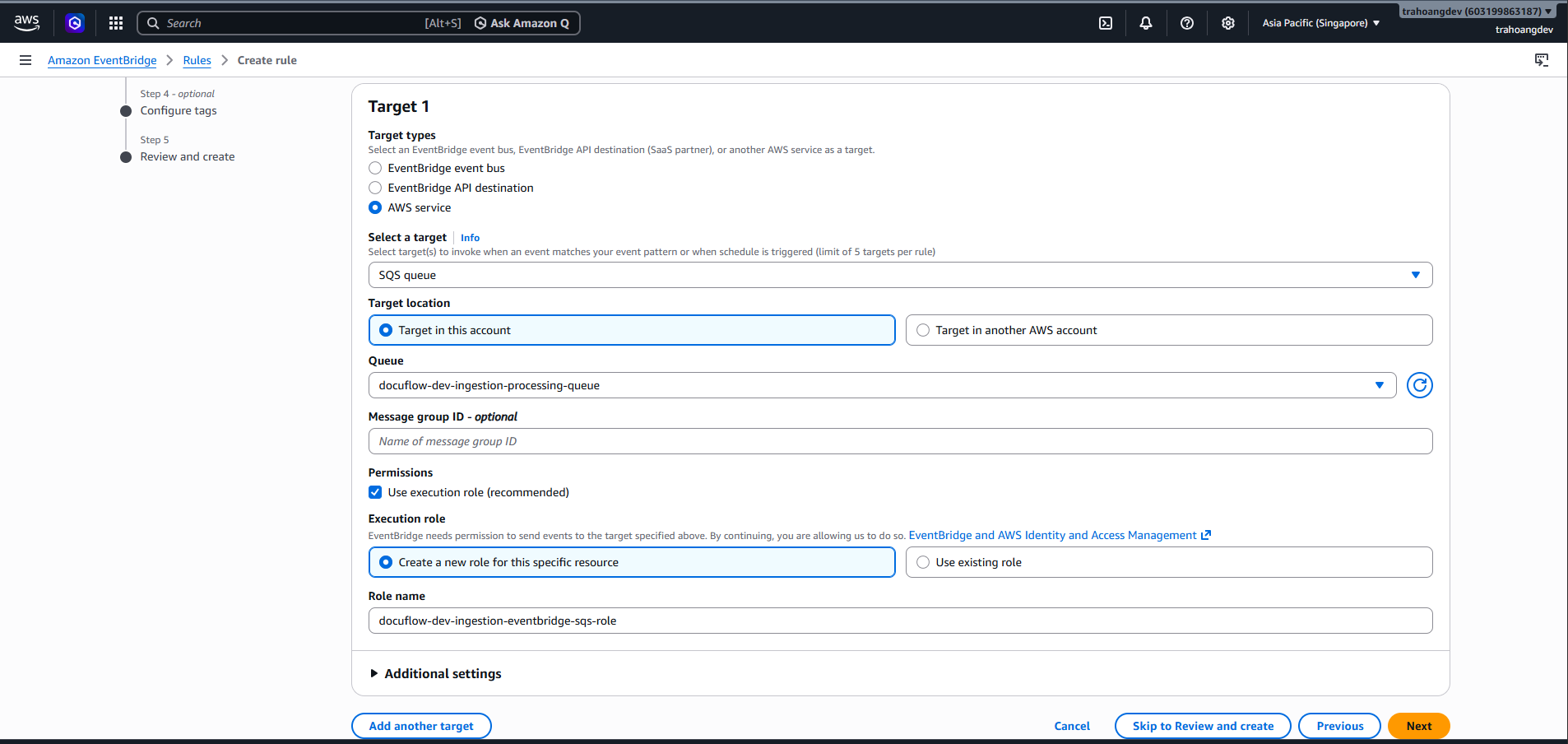
- Review Role name:
docuflow-dev-ingestion-eventbridge-sqs-role, Configure tags and click Review and create.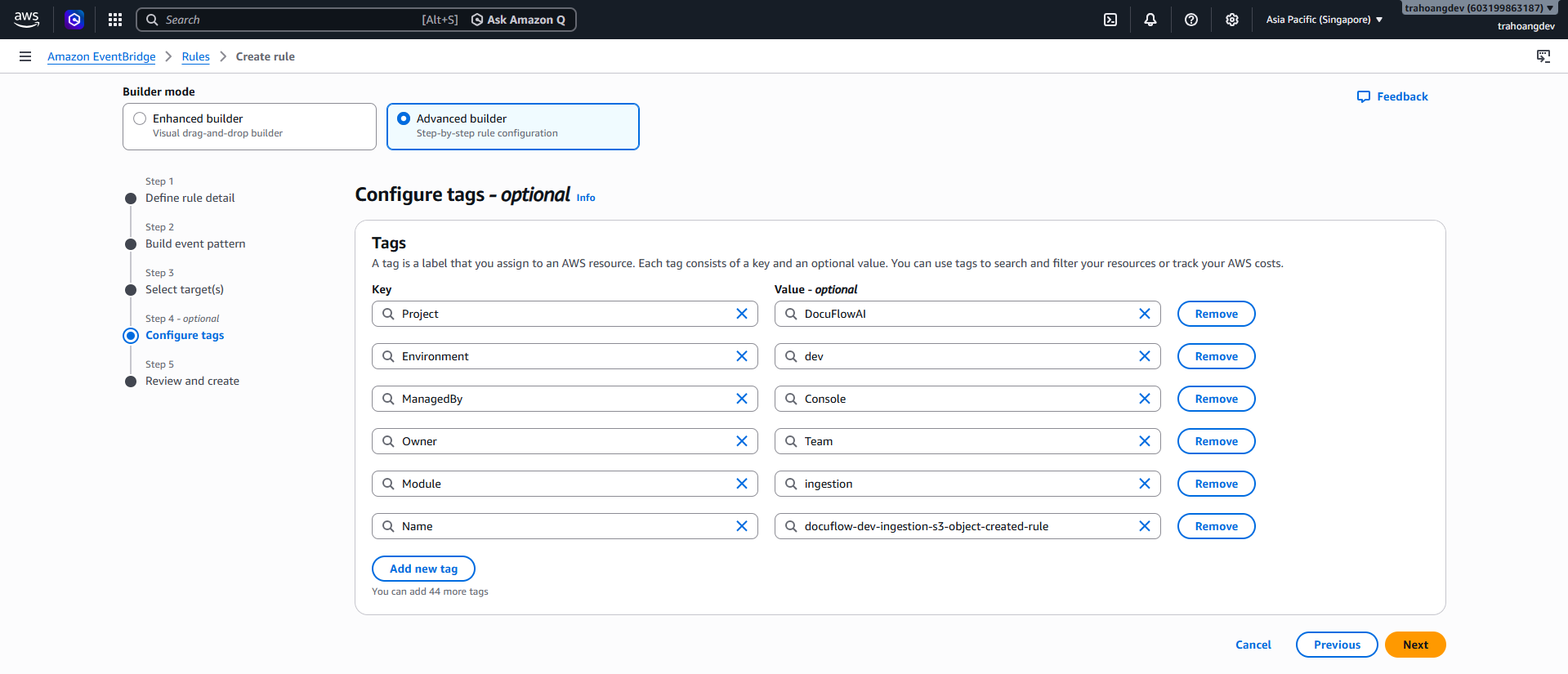
Test S3 Raw → EventBridge → SQS
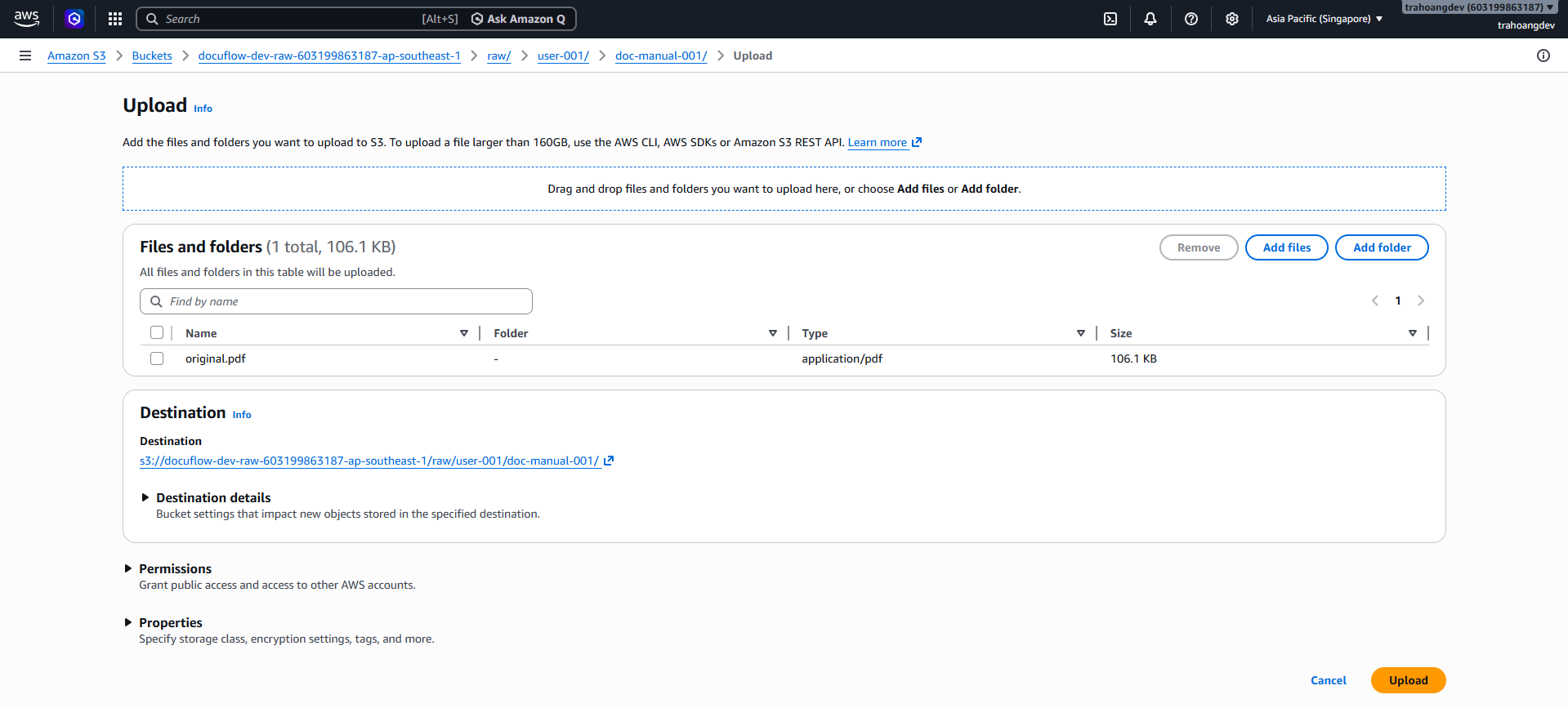
Step 1: Upload a test file to the correct prefix raw/
- Go to S3 bucket:
docuflow-dev-raw-[accountId]-ap-southeast-1 - Click Create folder sequentially:
raw - Inside the
rawfolder, create:user-demo - Inside the
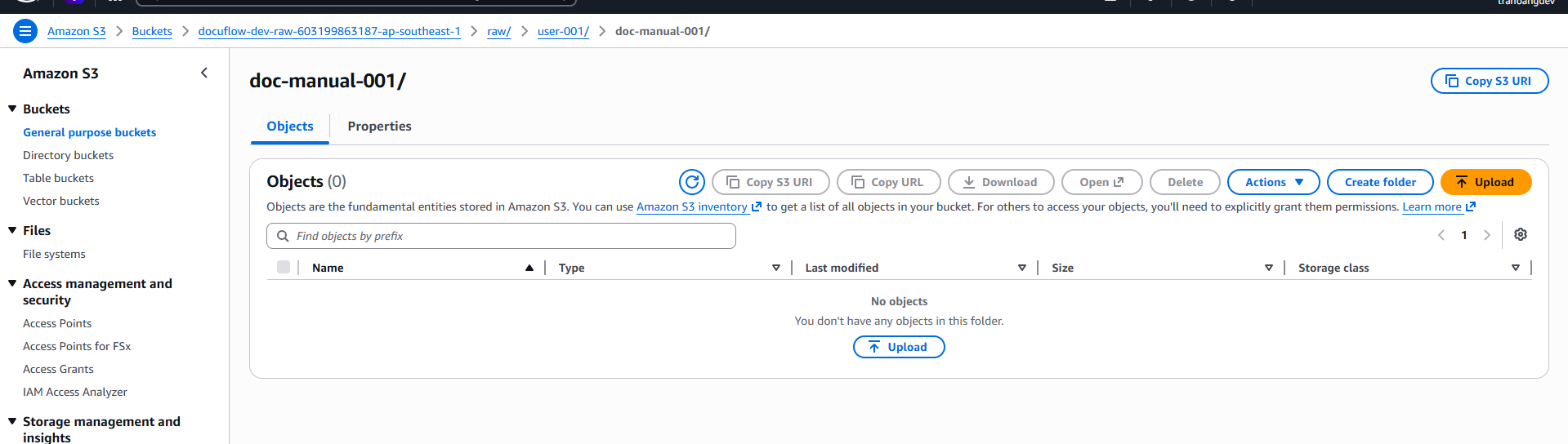
user-demofolder, create:doc-manual-001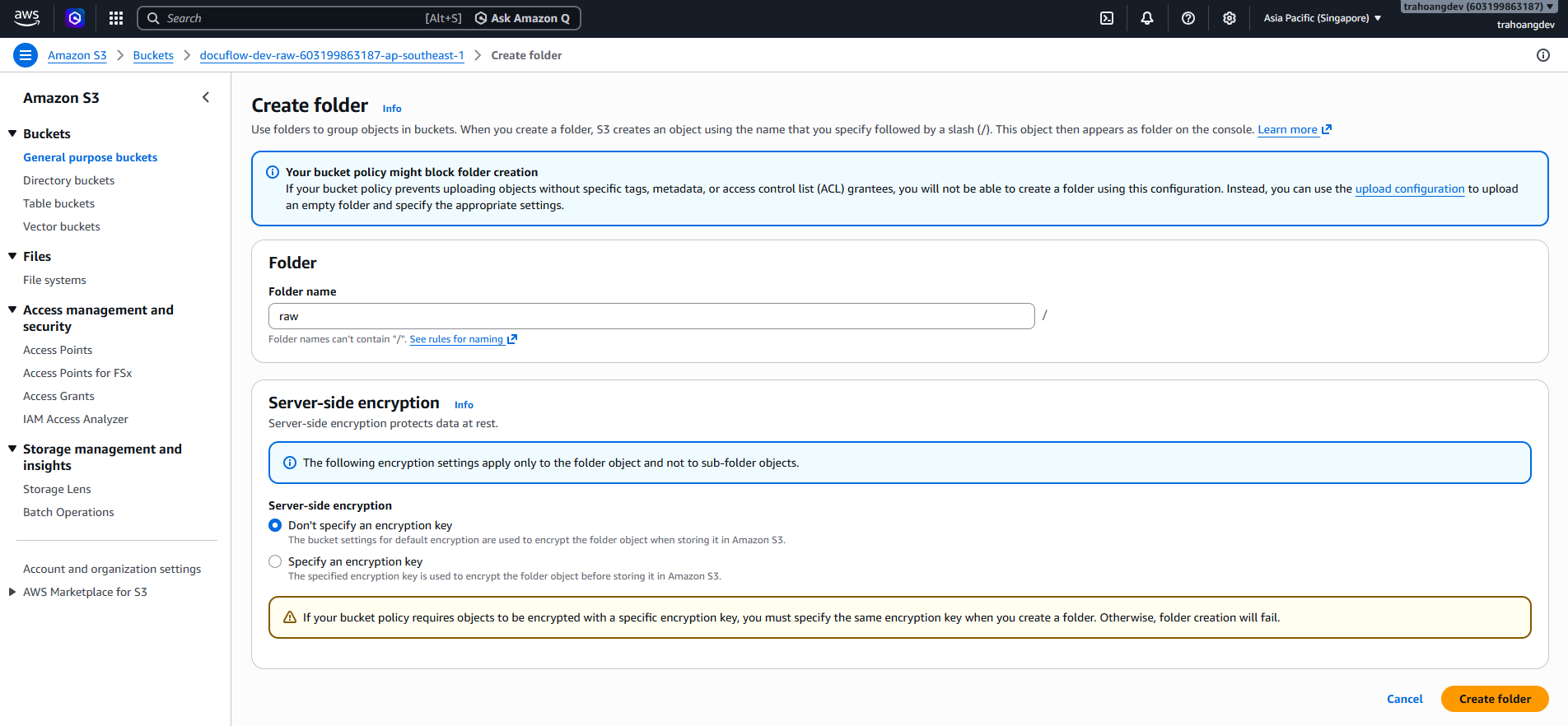
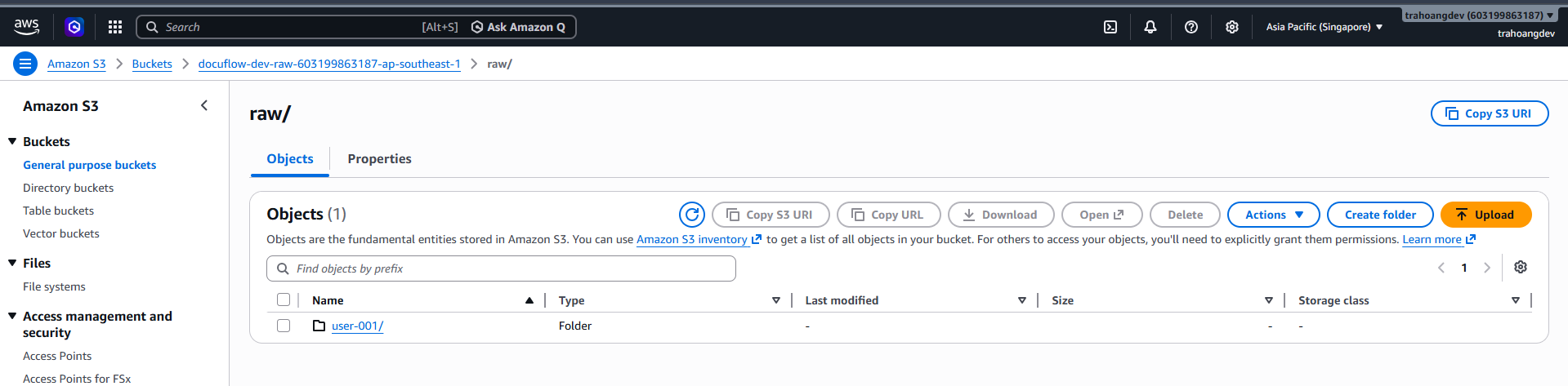
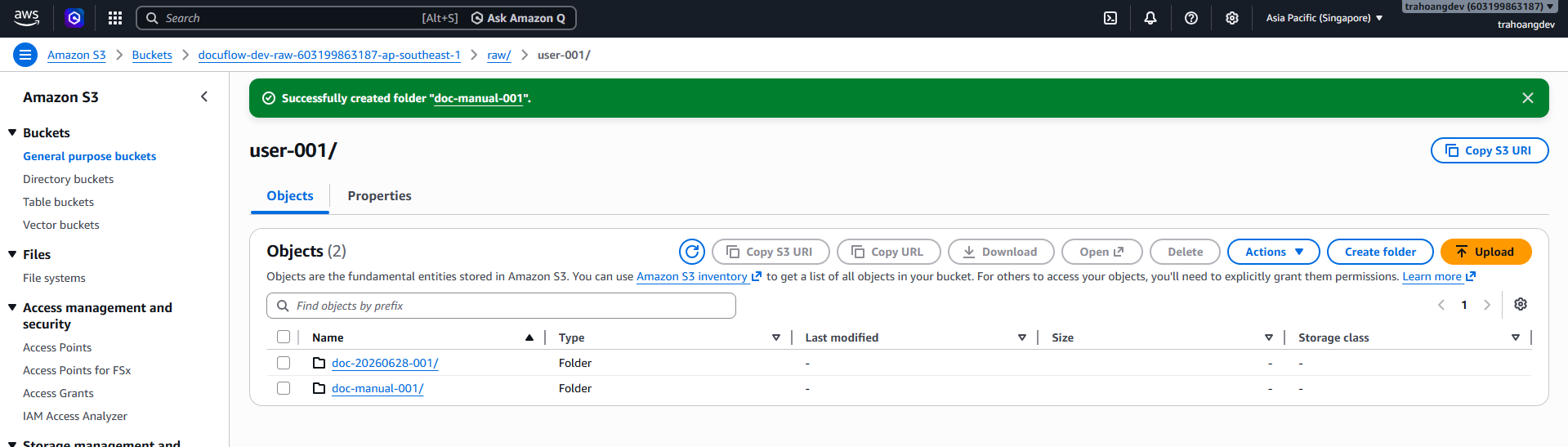
- Inside the
doc-manual-001folder, click Upload and upload a PDF/JPG/PNG file. Name the file:original.pdf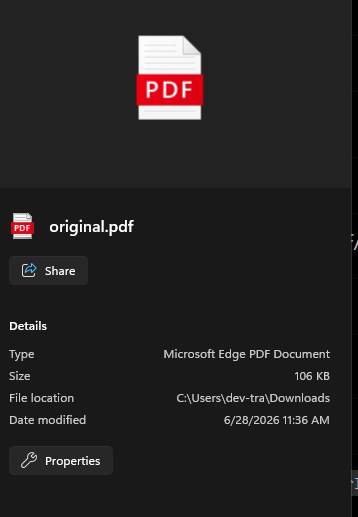
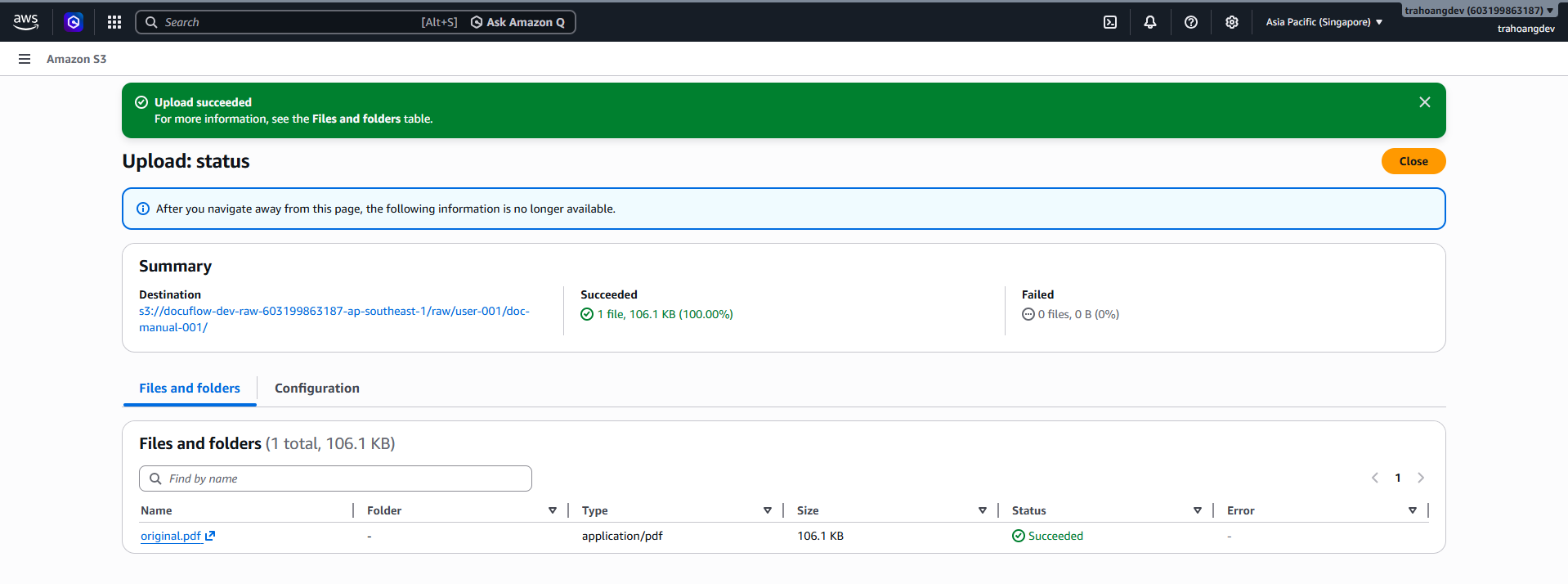 Step 2: Poll message in SQS
 - Go to Amazon SQS → Queues →
docuflow-dev-ingestion-processing-queue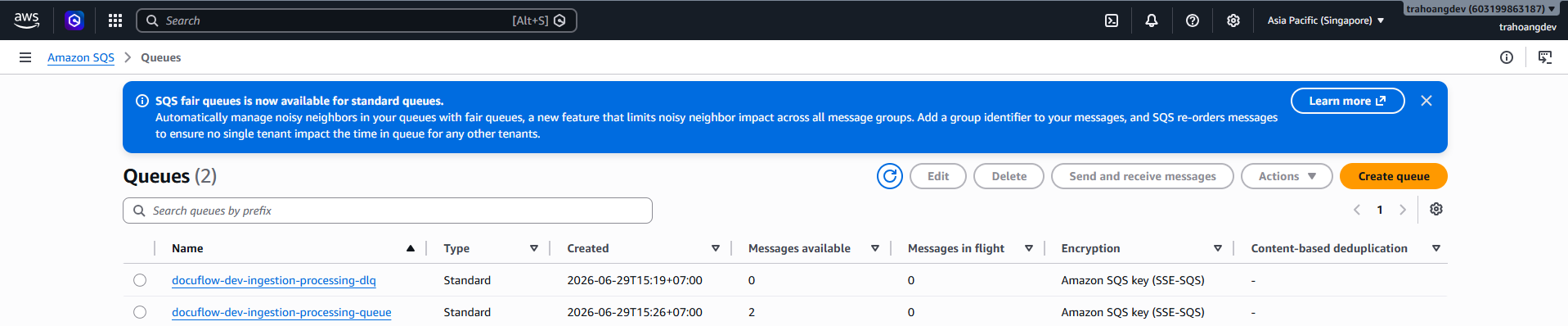
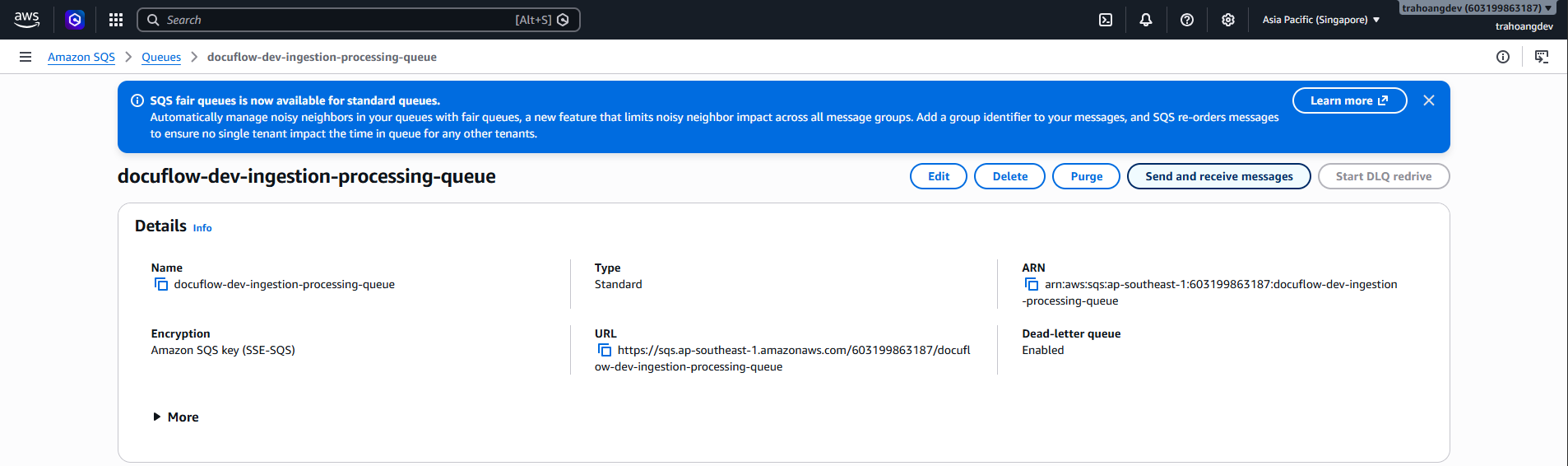
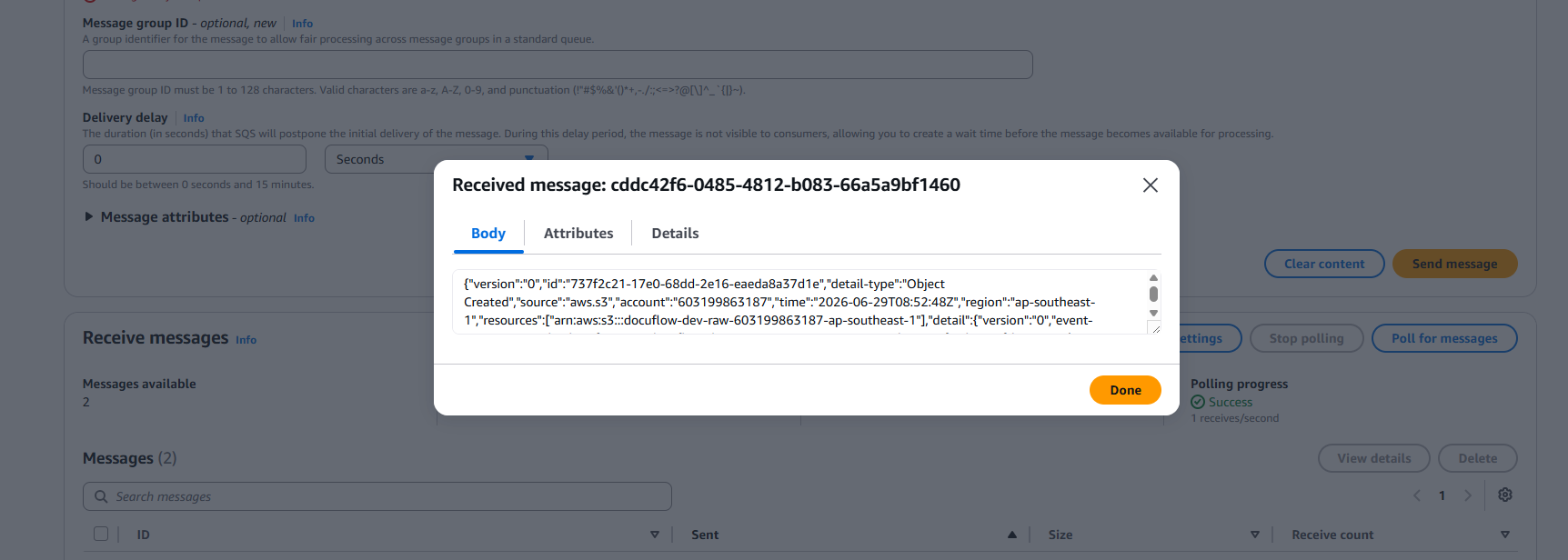
- Click poll message. After messages appear, check one message.
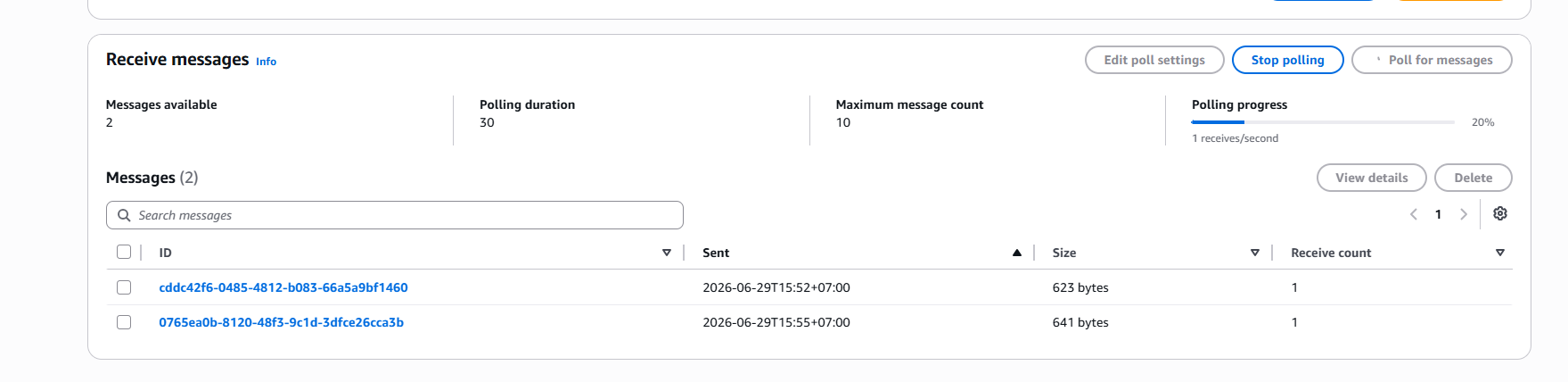
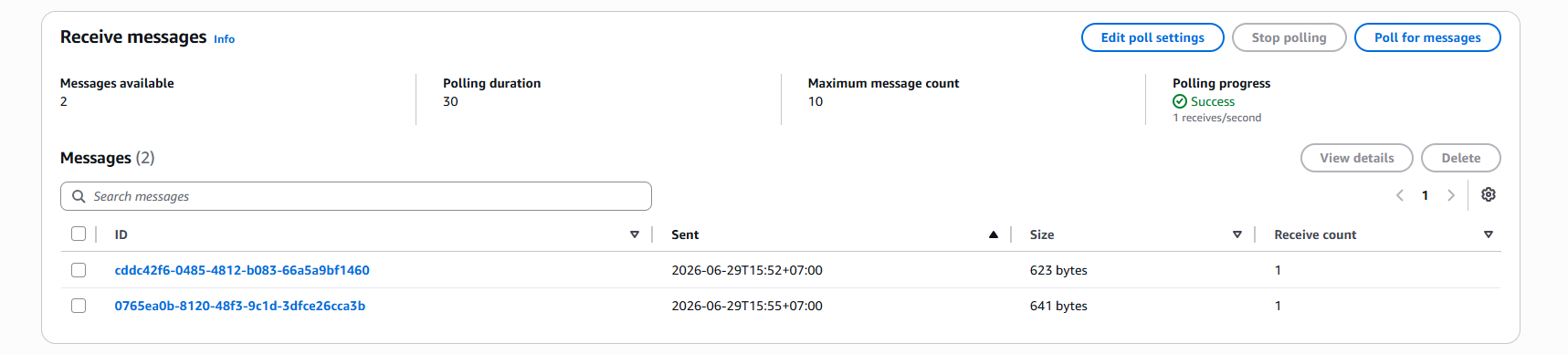
- Click View details. Open the Body section.
- Check if it contains a JSON similar to what EventBridge routes to SQS:
{
  "source": "aws.s3",
  "detail-type": "Object Created",
  "detail": {
    "bucket": {
      "name": "docuflow-dev-raw-[accountId]-ap-southeast-1"
    },
    "object": {
      "key": "raw/user-demo/doc-manual-001/original.pdf"
    }
  }
}