Create and Test Step Functions Skeleton
Create Step Functions skeleton
Goal: Create a Workflow skeleton (Mock data) to test the ability to call from Lambda to Step Functions before integrating real AI logic.
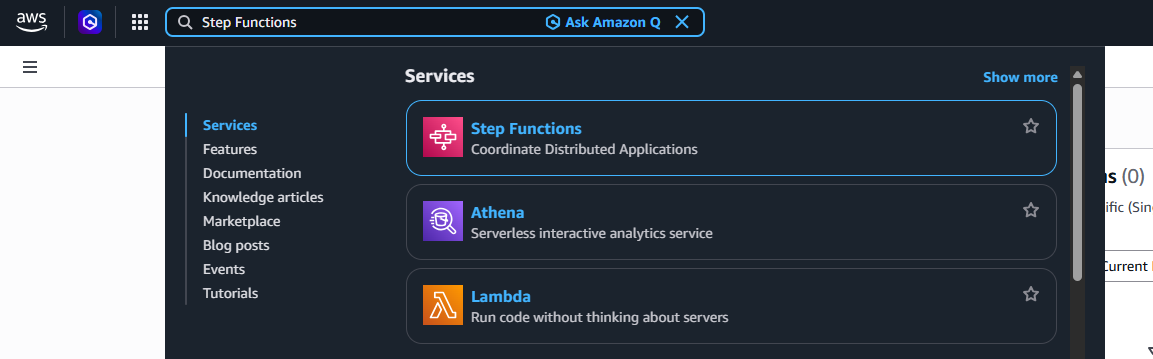
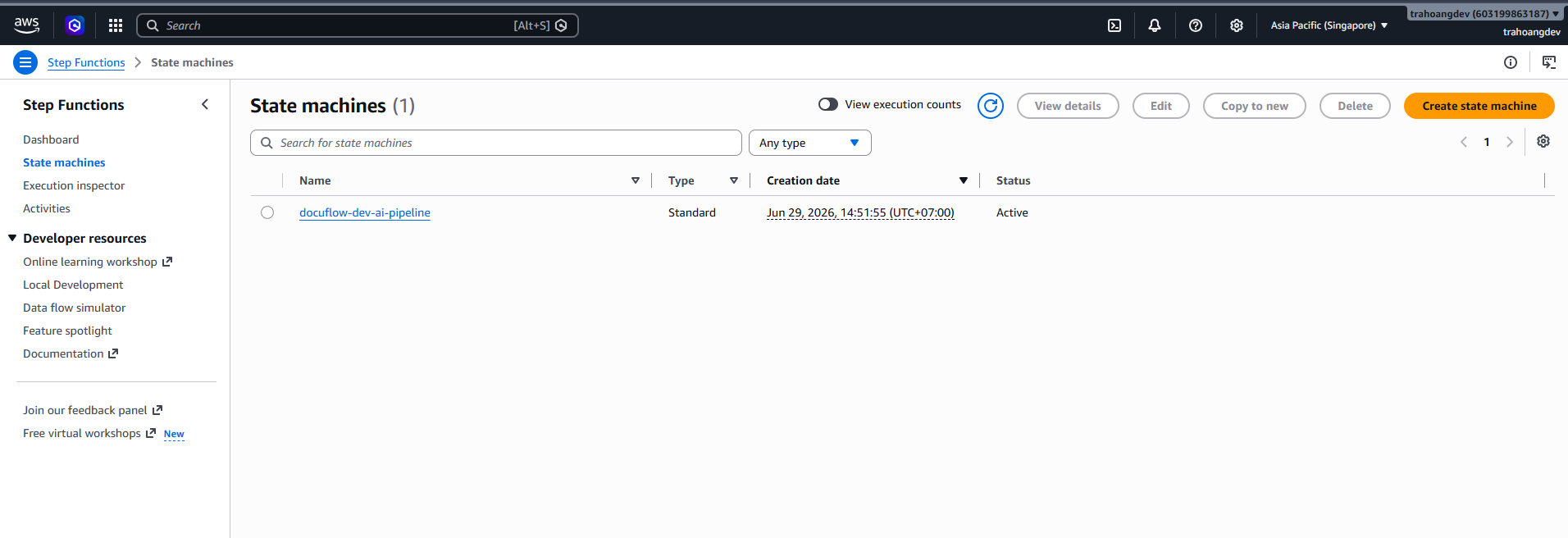
Open Step Functions: Search Step Functions → State machines → Click Create state machine.
Select option: Create from blank, State machine type: Standard (Architecture uses Standard Workflow).
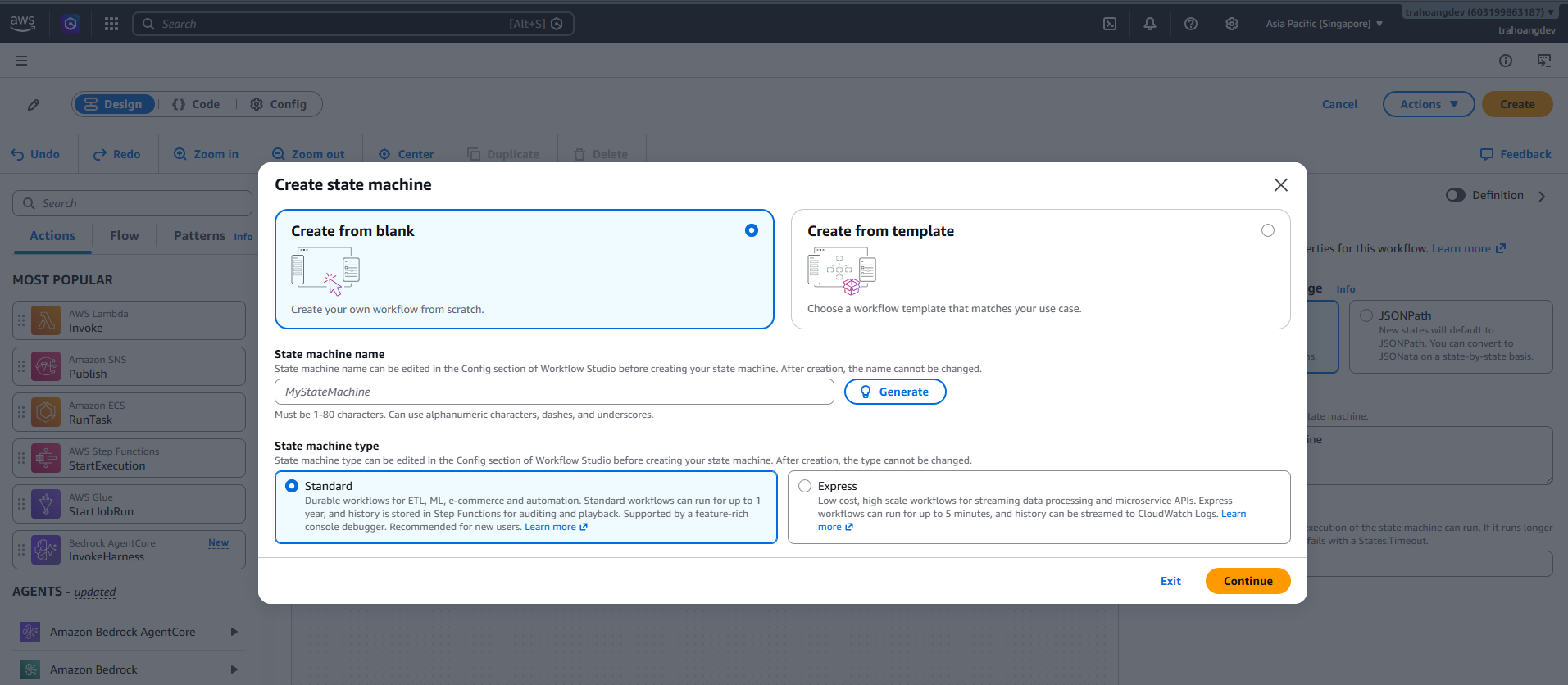
Enter State machine name:
docuflow-dev-workflow-processing-state-machine→ click Continue.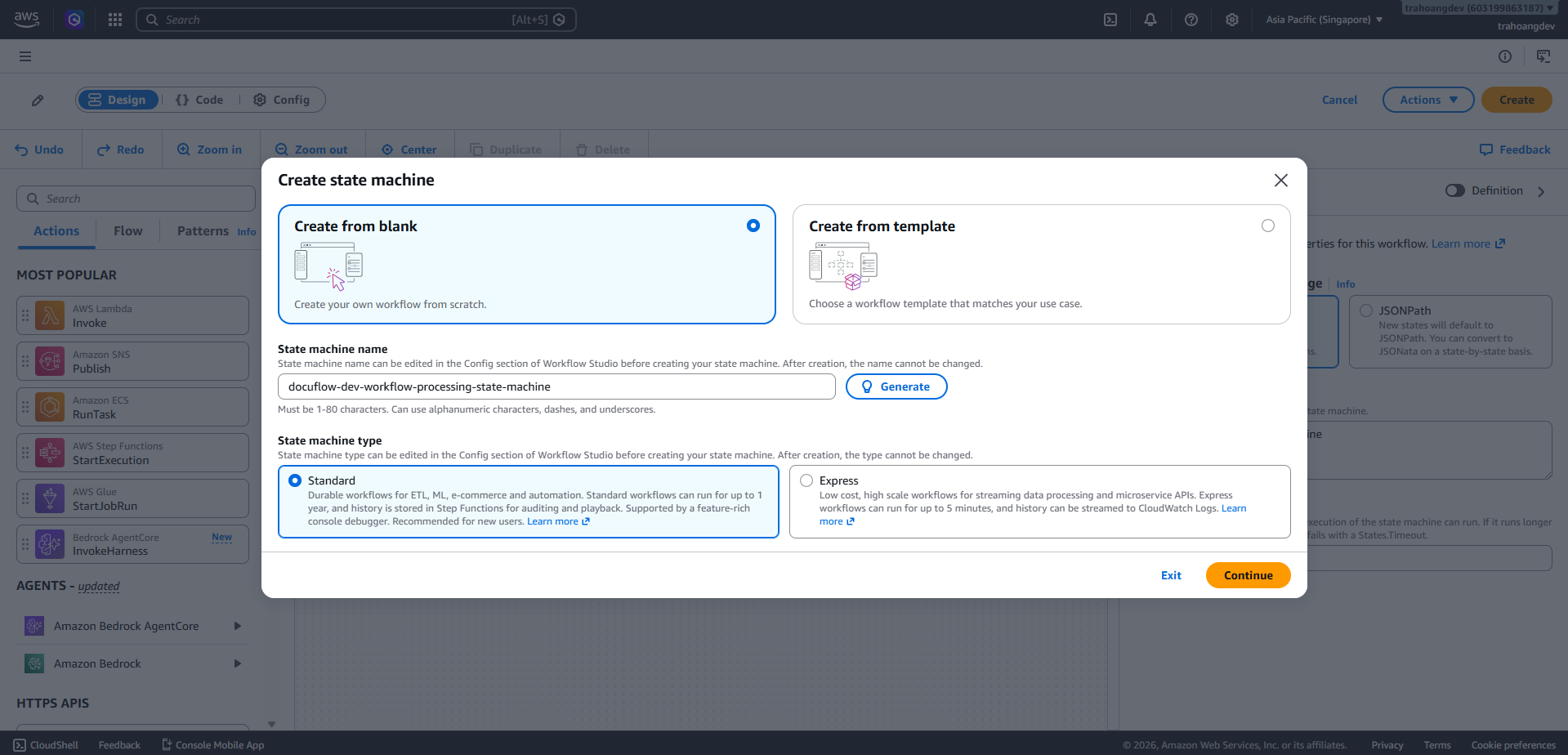
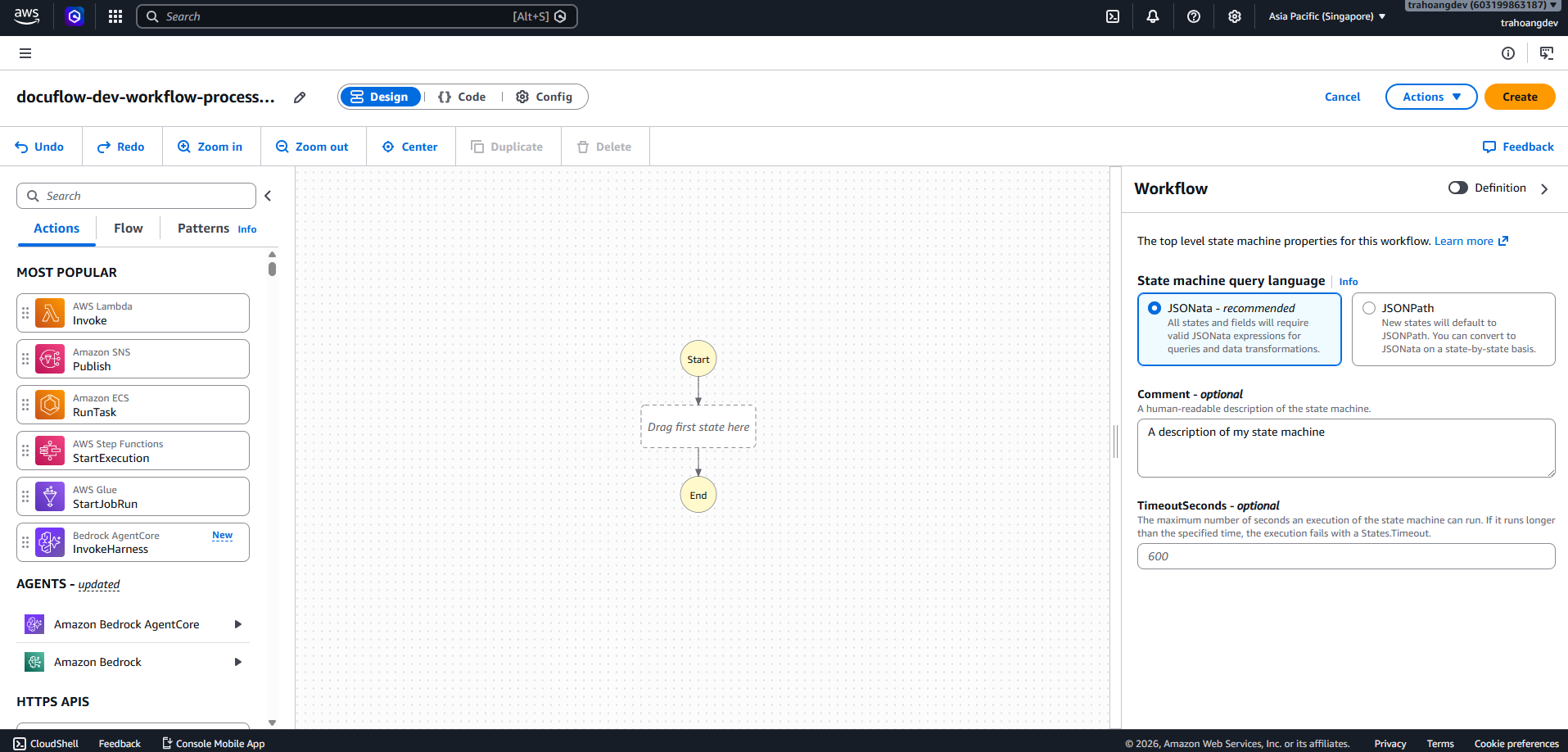
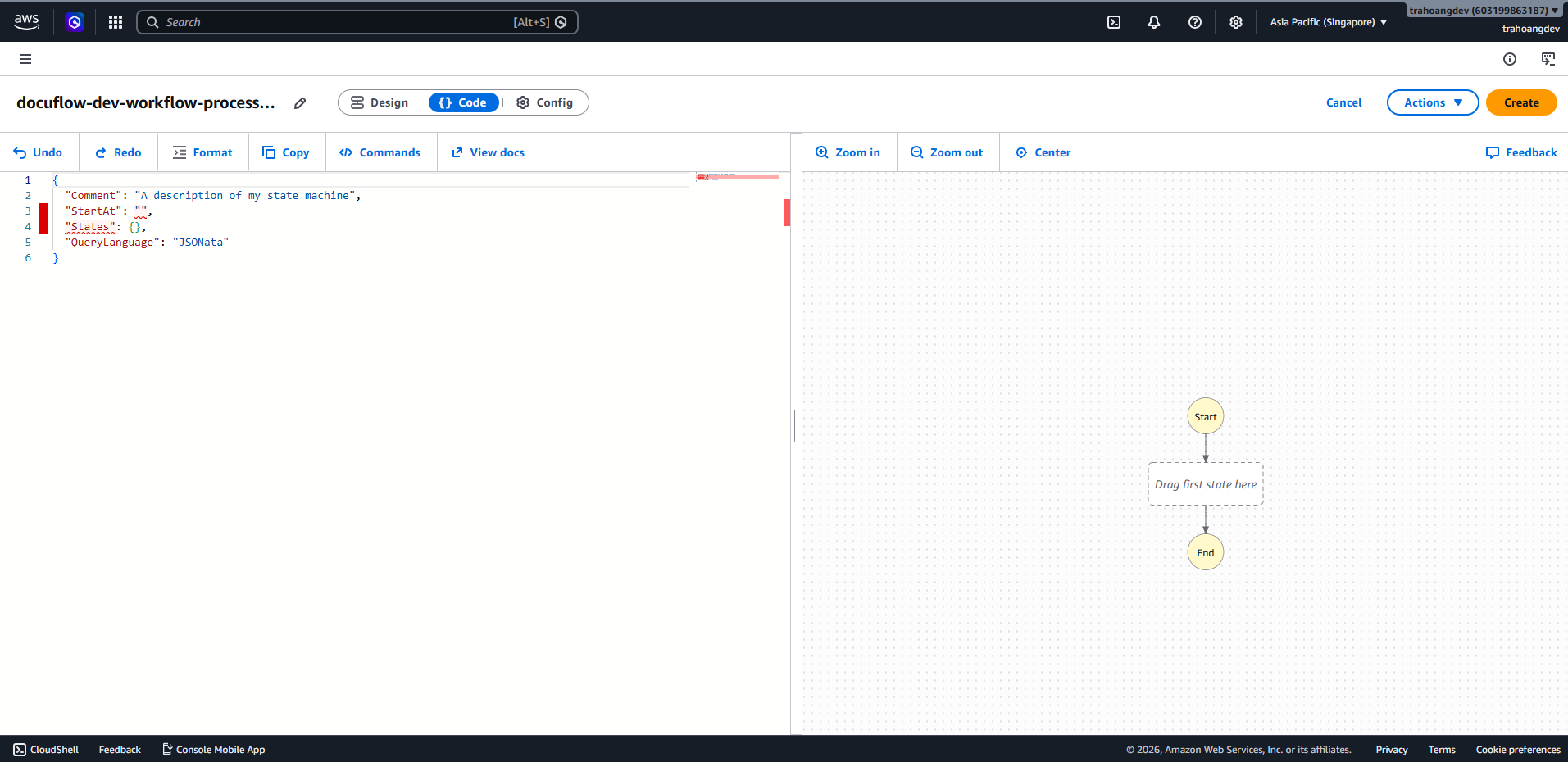
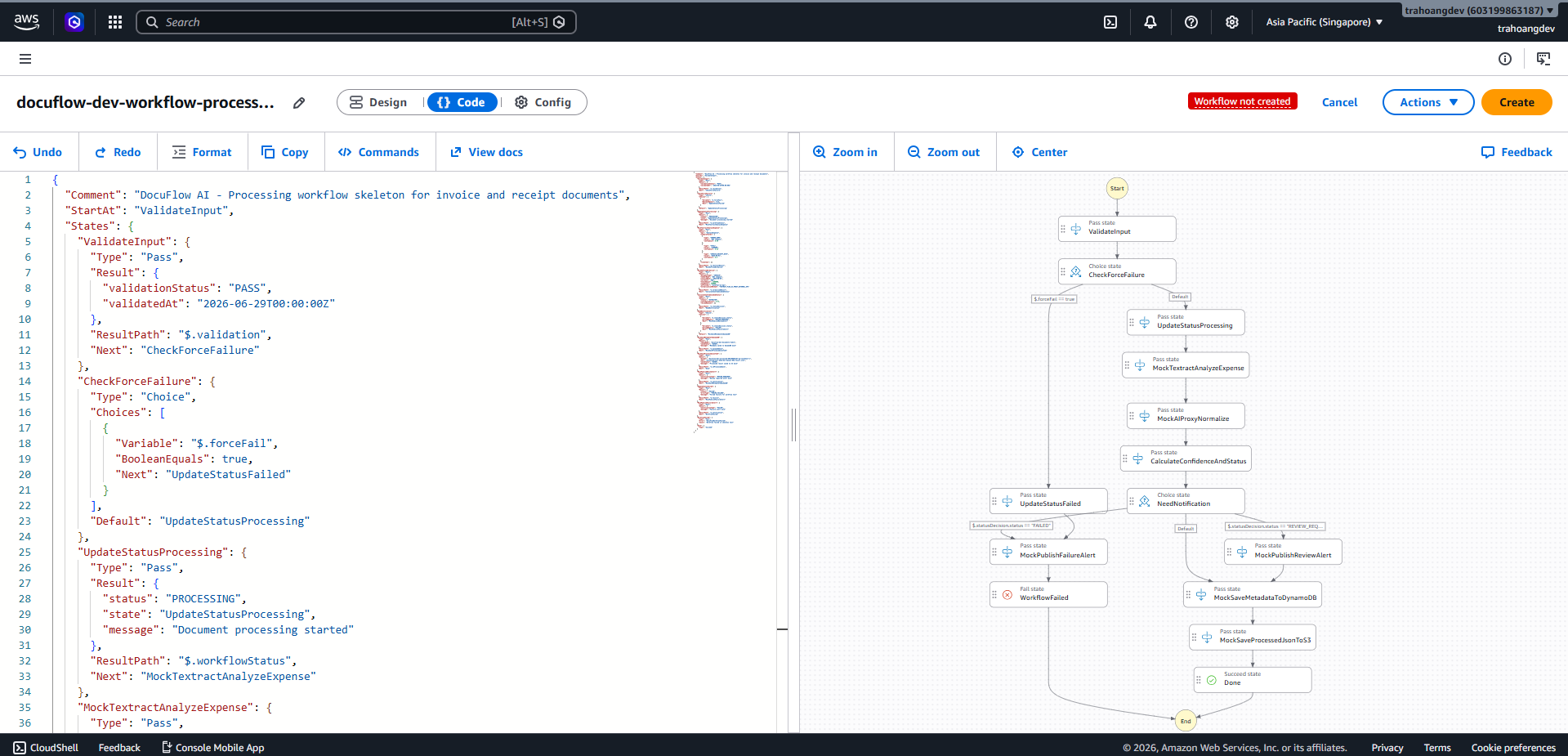
After entering the Workflow Studio screen, find the Code tab. In the Definition section, delete the old content and paste this ASL skeleton:
{
  "Comment": "DocuFlow AI - Processing workflow skeleton for invoice and receipt documents",
  "StartAt": "ValidateInput",
  "States": {
    "ValidateInput": {
      "Type": "Pass",
      "Result": {
        "validationStatus": "PASS",
        "validatedAt": "2026-06-29T00:00:00Z"
      },
      "ResultPath": "$.validation",
      "Next": "CheckForceFailure"
    },
    "CheckForceFailure": {
      "Type": "Choice",
      "Choices": [
        {
          "And": [
            { "Variable": "$.forceFail", "IsPresent": true },
            { "Variable": "$.forceFail", "BooleanEquals": true }
          ],
          "Next": "UpdateStatusFailed"
        }
      ],
      "Default": "UpdateStatusProcessing"
    },
    "UpdateStatusProcessing": {
      "Type": "Pass",
      "Result": {
        "status": "PROCESSING",
        "state": "UpdateStatusProcessing",
        "message": "Document processing started"
      },
      "ResultPath": "$.workflowStatus",
      "Next": "MockTextractAnalyzeExpense"
    },
    "MockTextractAnalyzeExpense": {
      "Type": "Pass",
      "Result": {
        "api": "AnalyzeExpense",
        "summaryFields": [
          { "type": "VENDOR_NAME", "value": "ABC Company", "confidence": 0.95 },
          { "type": "TOTAL", "value": "2500000", "confidence": 0.92 },
          { "type": "INVOICE_RECEIPT_DATE", "value": "2026-06-01", "confidence": 0.9 }
        ],
        "lineItems": []
      },
      "ResultPath": "$.textractResult",
      "Next": "MockAIProxyNormalize"
    },
    "MockAIProxyNormalize": {
      "Type": "Pass",
      "Result": {
        "documentType": "INVOICE",
        "vendorName": "ABC Company",
        "invoiceDate": "2026-06-01",
        "currency": "VND",
        "totalAmount": 2500000,
        "taxAmount": 250000,
        "aiProvider": "external-ai-api",
        "normalizationMethod": "TEXTRACT_PLUS_AI_PROXY_EXTERNAL_API"
      },
      "ResultPath": "$.normalizedResult",
      "Next": "CalculateConfidenceAndStatus"
    },
    "CalculateConfidenceAndStatus": {
      "Type": "Pass",
      "Result": {
        "status": "EXTRACTED",
        "confidenceScore": 0.91,
        "reviewReasons": []
      },
      "ResultPath": "$.statusDecision",
      "Next": "NeedNotification"
    },
    "NeedNotification": {
      "Type": "Choice",
      "Choices": [
        {
          "Variable": "$.statusDecision.status",
          "StringEquals": "REVIEW_REQUIRED",
          "Next": "MockPublishReviewAlert"
        },
        {
          "Variable": "$.statusDecision.status",
          "StringEquals": "FAILED",
          "Next": "MockPublishFailureAlert"
        }
      ],
      "Default": "MockSaveMetadataToDynamoDB"
    },
    "MockSaveMetadataToDynamoDB": {
      "Type": "Pass",
      "Result": {
        "tableName": "docuflow-dev-documents-table",
        "saveStatus": "SAVED",
        "message": "Metadata saved to DynamoDB mock"
      },
      "ResultPath": "$.dynamoDbSave",
      "Next": "MockSaveProcessedJsonToS3"
    },
    "MockSaveProcessedJsonToS3": {
      "Type": "Pass",
      "Result": {
        "bucket": "docuflow-dev-processed-[accountId]-ap-southeast-1",
        "key": "processed/user-demo/doc-manual-001/result.json",
        "saveStatus": "SAVED",
        "message": "Processed result saved to S3 mock"
      },
      "ResultPath": "$.s3ProcessedSave",
      "Next": "Done"
    },
    "MockPublishReviewAlert": {
      "Type": "Pass",
      "Result": {
        "notificationType": "REVIEW_REQUIRED",
        "message": "Review required alert mock"
      },
      "ResultPath": "$.notification",
      "Next": "MockSaveMetadataToDynamoDB"
    },
    "UpdateStatusFailed": {
      "Type": "Pass",
      "Result": {
        "status": "FAILED",
        "errorType": "FORCED_FAILURE",
        "message": "Forced failure for workflow test"
      },
      "ResultPath": "$.failure",
      "Next": "MockPublishFailureAlert"
    },
    "MockPublishFailureAlert": {
      "Type": "Pass",
      "Result": {
        "notificationType": "FAILED",
        "message": "Failure alert mock"
      },
      "ResultPath": "$.notification",
      "Next": "WorkflowFailed"
    },
    "WorkflowFailed": {
      "Type": "Fail",
      "Error": "DocuFlowWorkflowFailed",
      "Cause": "Workflow failed in skeleton test"
    },
    "Done": {
      "Type": "Succeed"
    }
  }
}
Switch to the Config tab to configure:
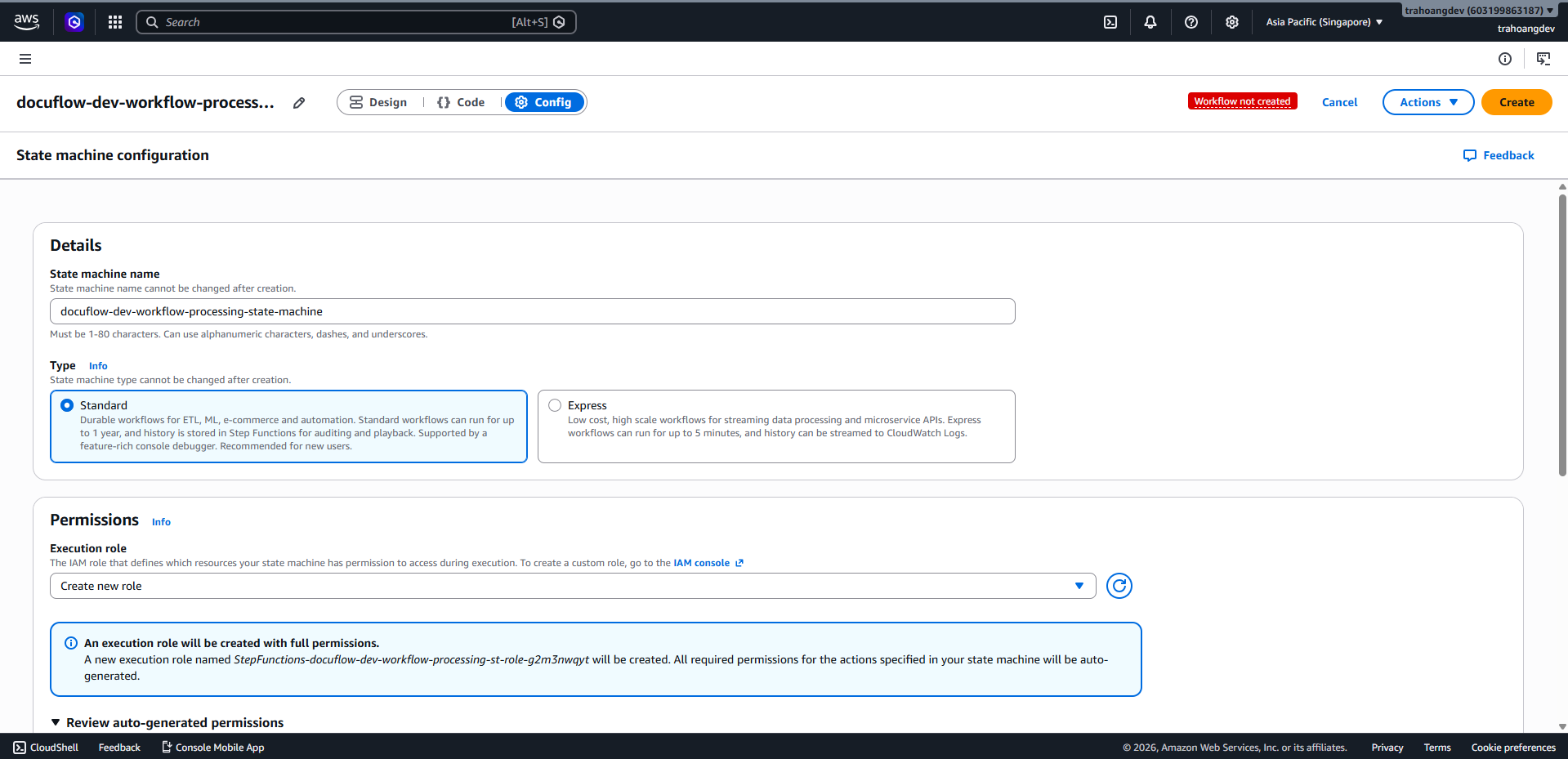
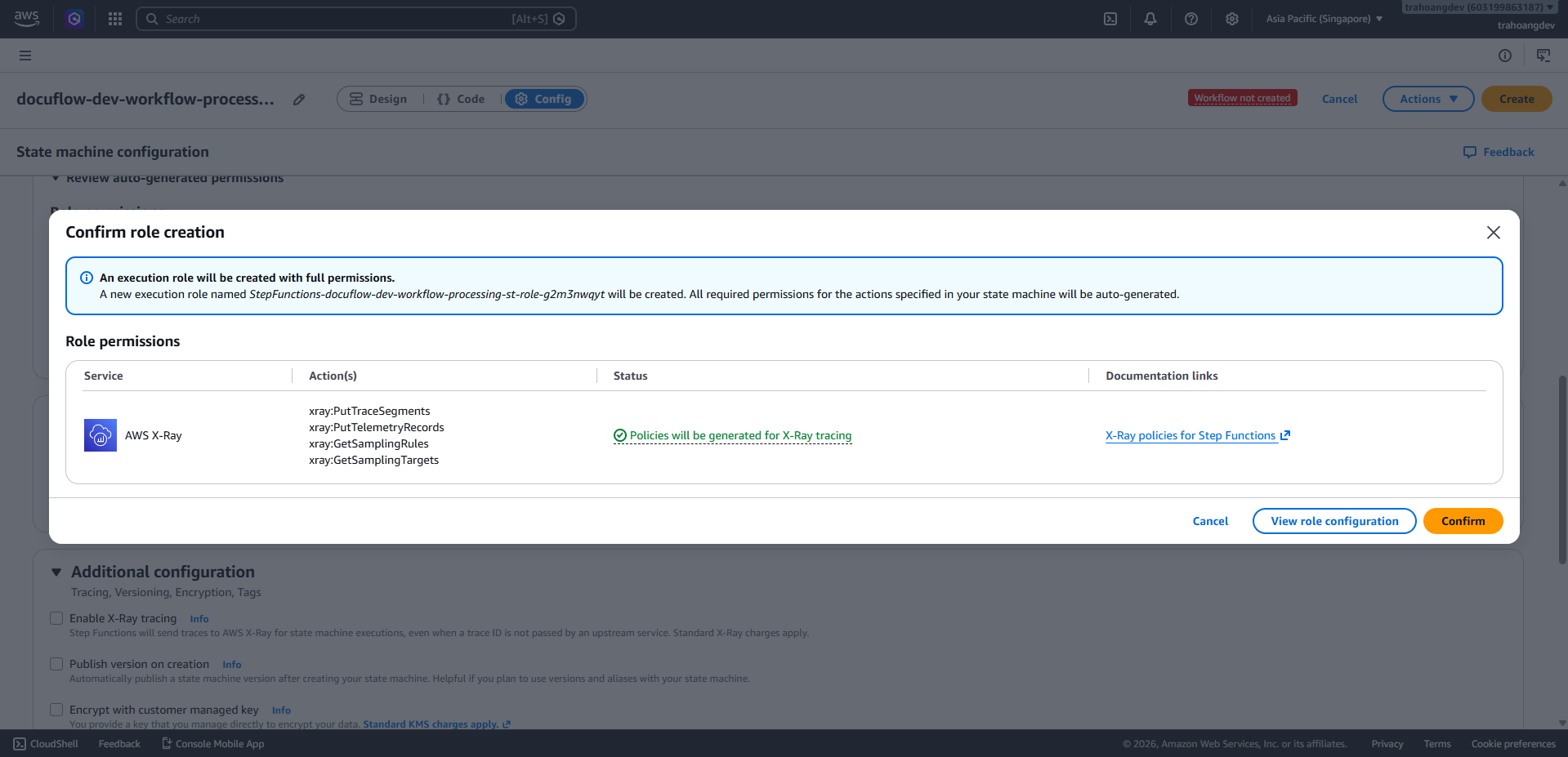
Item Value Name docuflow-dev-workflow-processing-state-machine Type Standard Permissions Create new role Role name docuflow-dev-workflow-stepfunctions-role Logging Off for skeleton Tracing/X-Ray Off for skeleton Tags section:
Key Value Project DocuFlowAI Environment dev Module workflow Click Create in the upper right corner (Click Confirm if a popup appears).
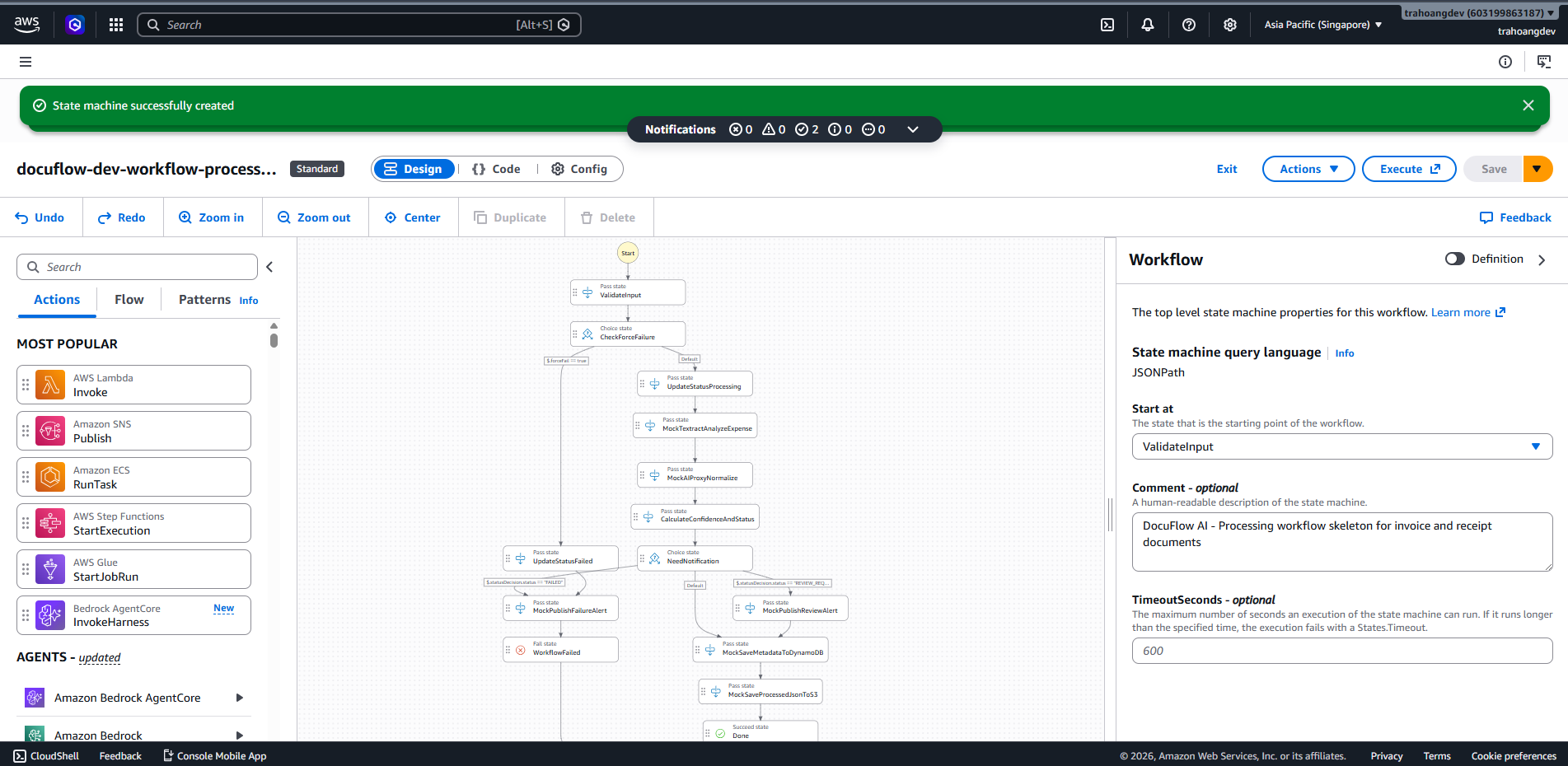
Test Happy Path and Failure Path for Skeleton
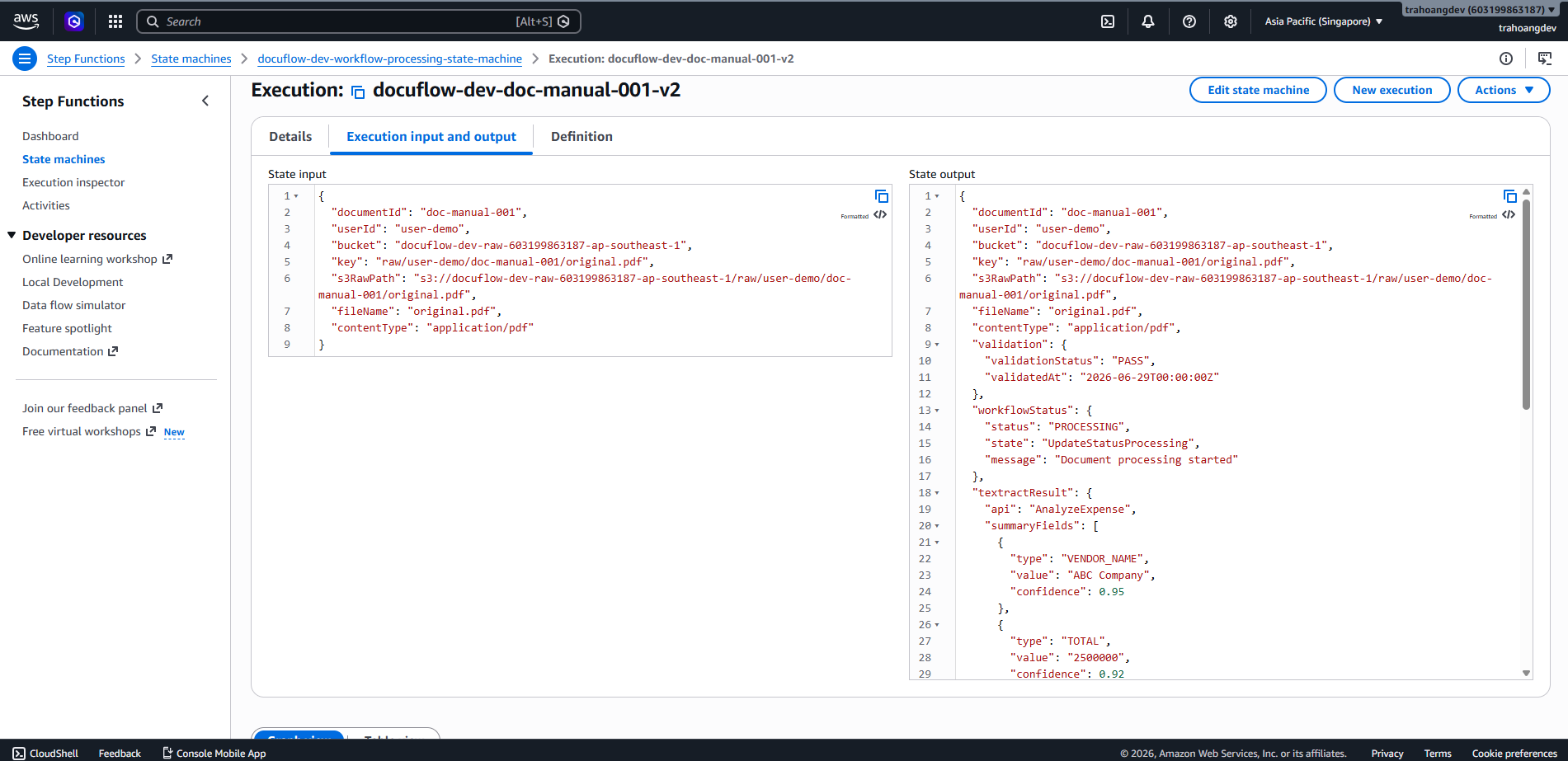
Test happy path:
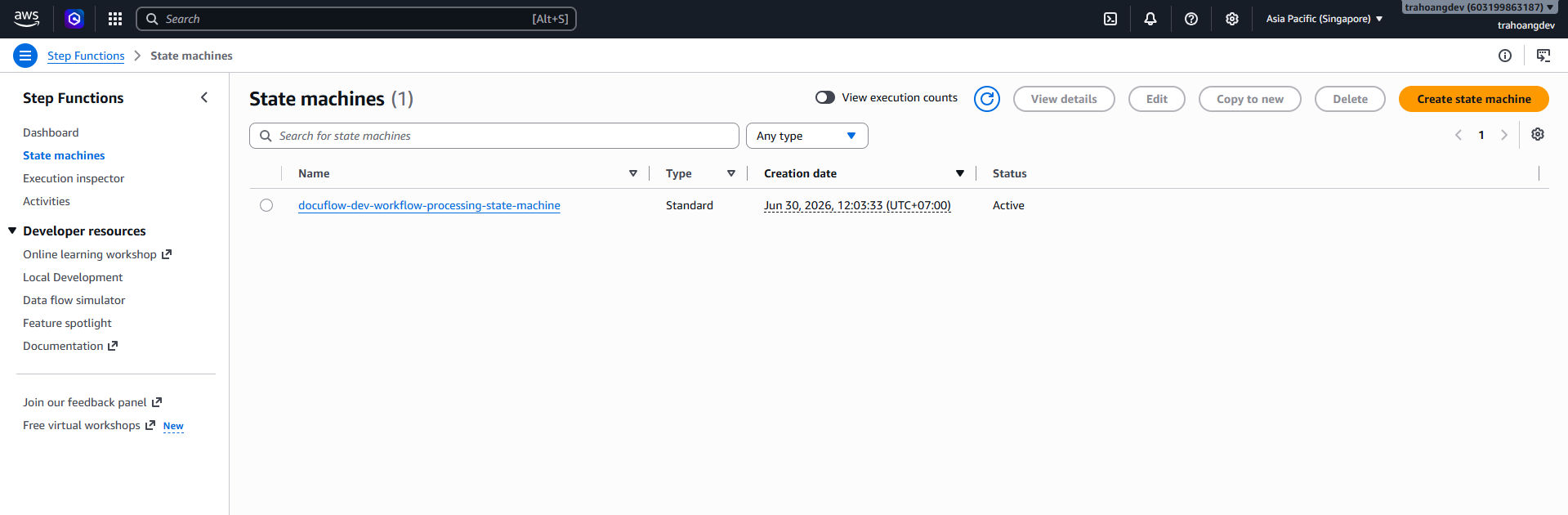
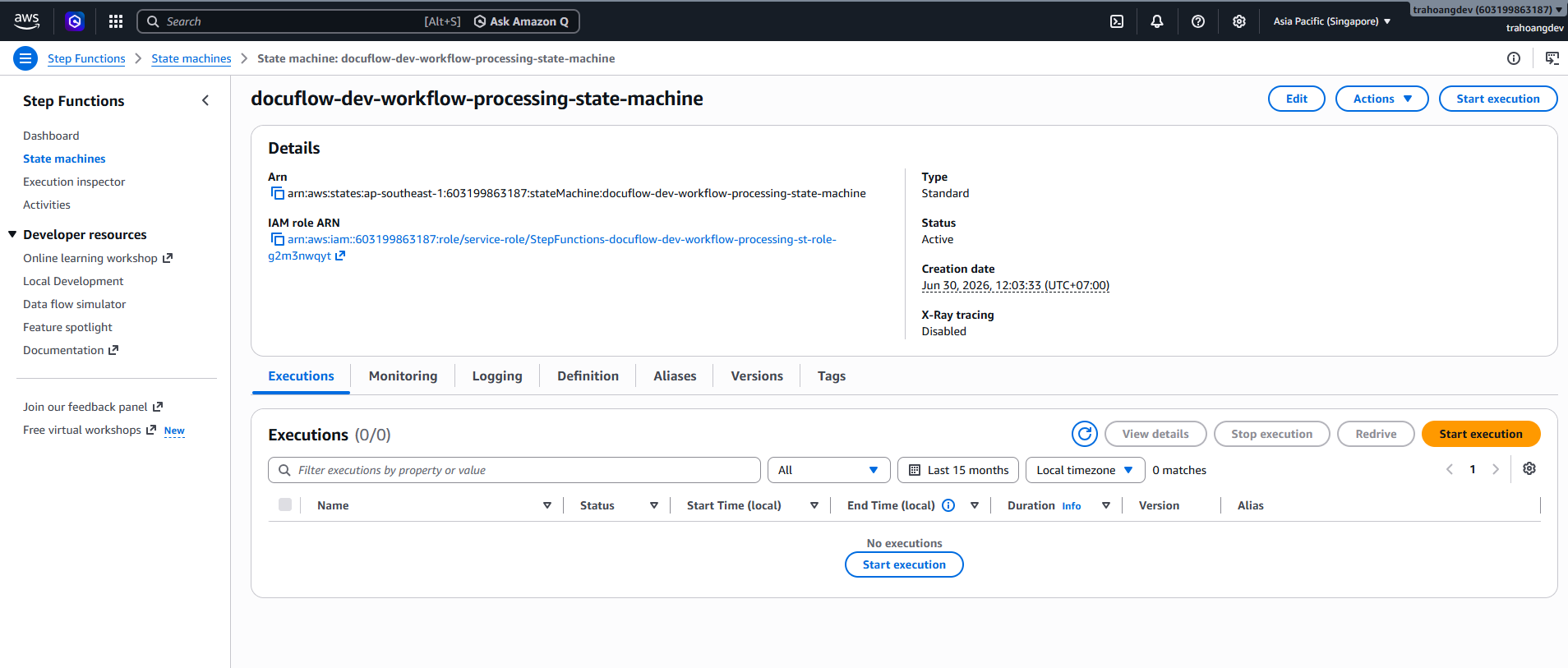
- Go to the state machine you just created, click Start execution.
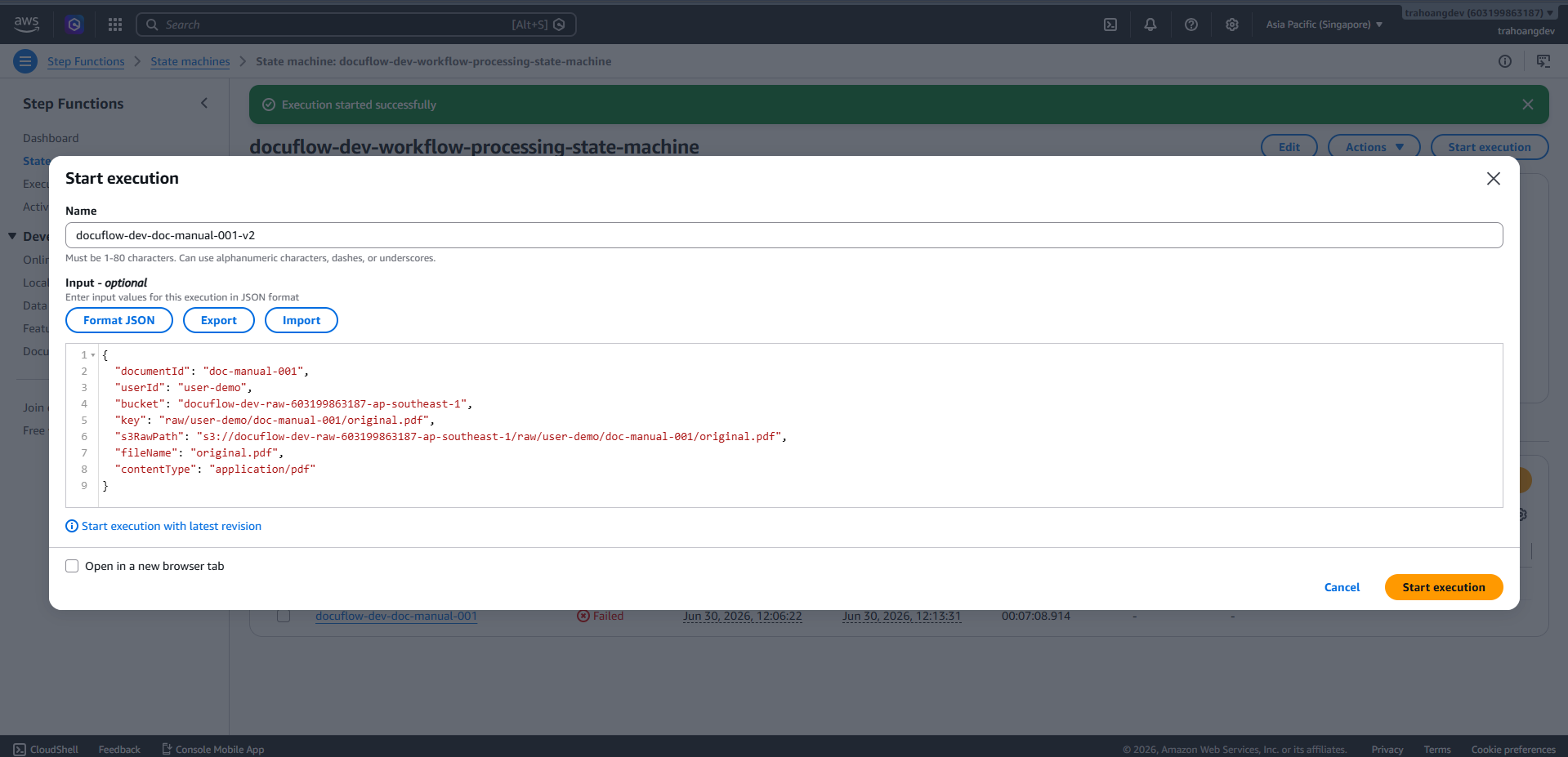
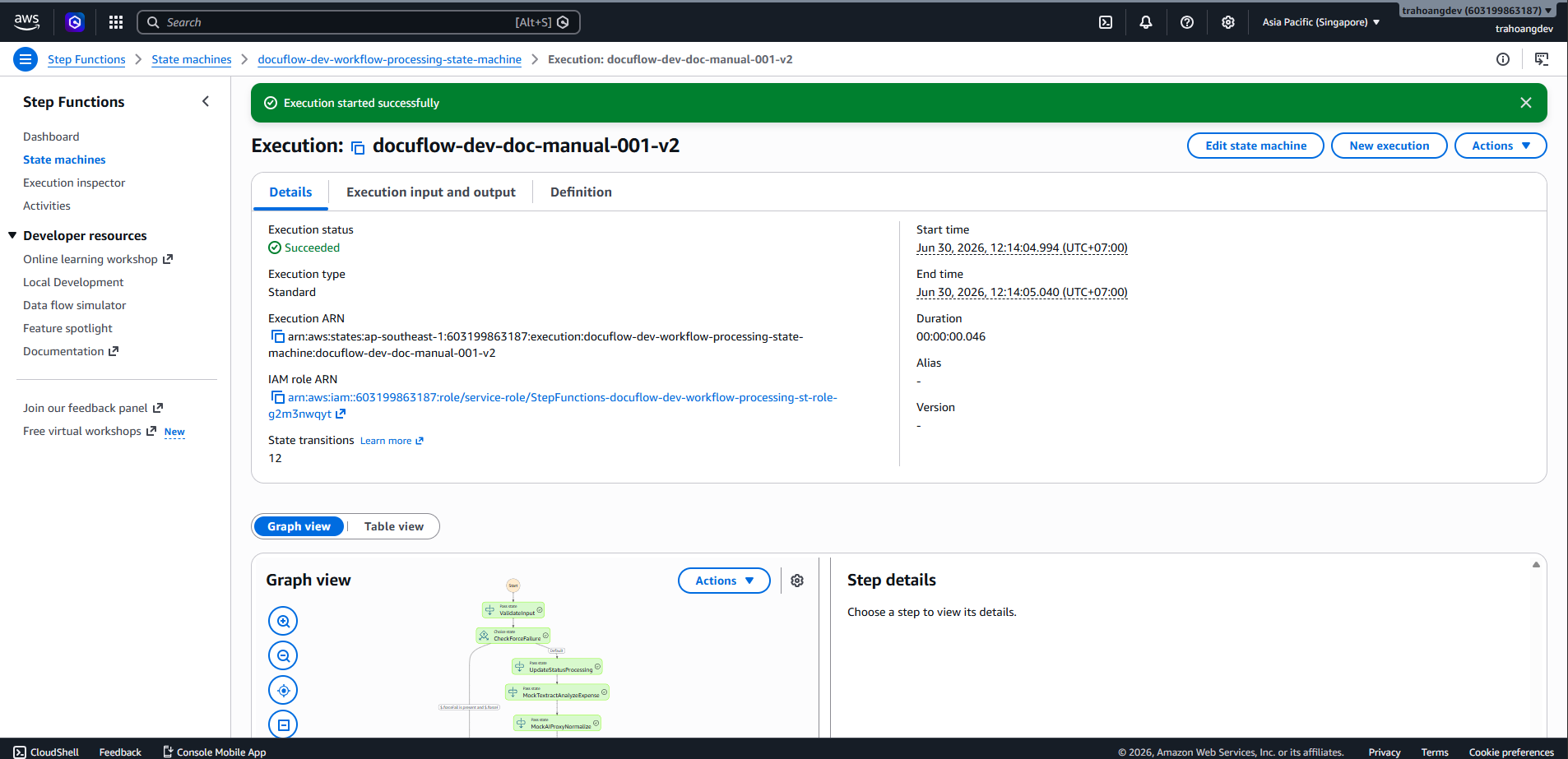
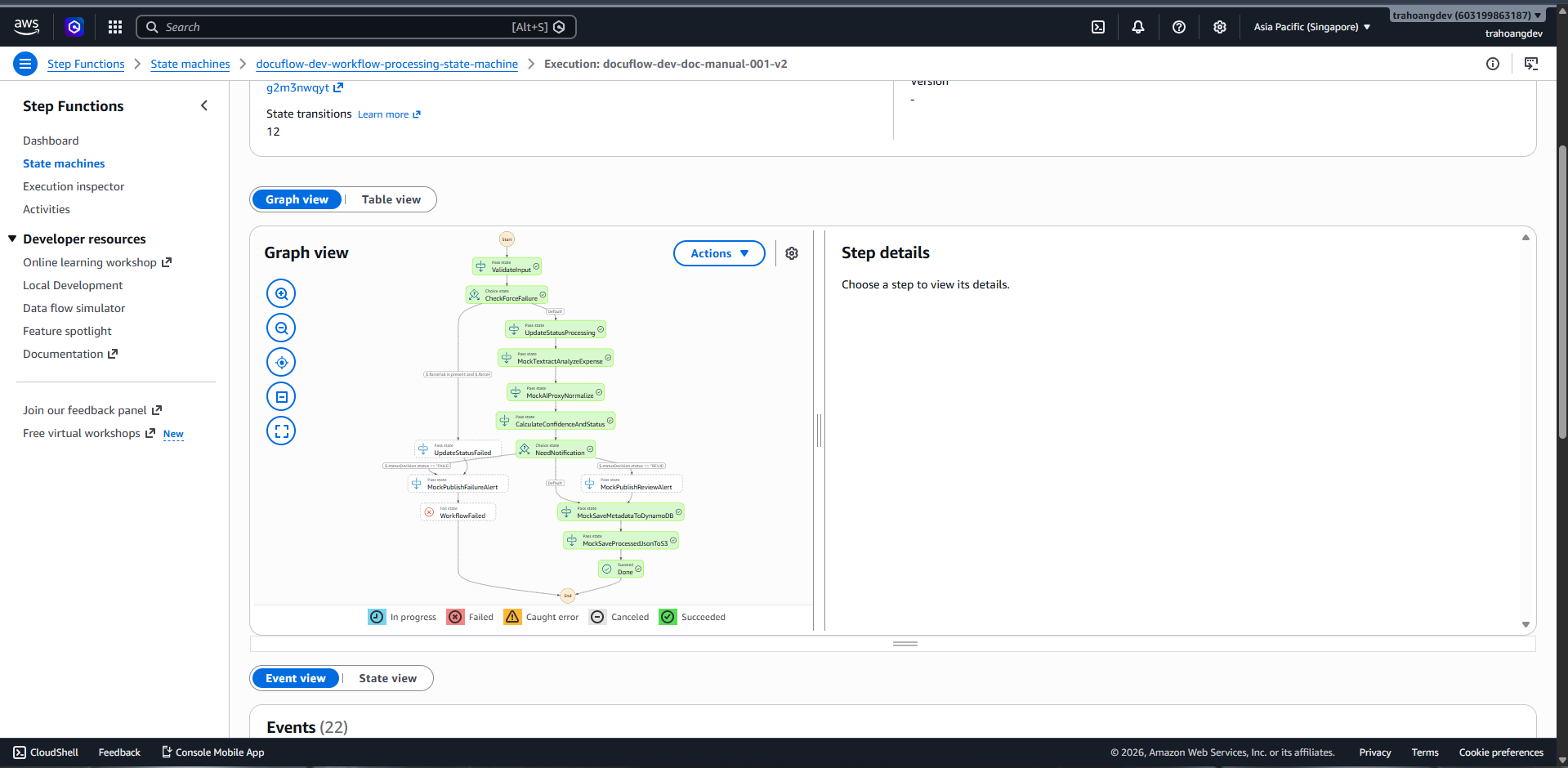
- Execution name:
docuflow-dev-doc-manual-001-v2 - Input JSON:
{
  "documentId": "doc-manual-001",
  "userId": "user-demo",
  "bucket": "docuflow-dev-raw-[accountId]-ap-southeast-1",
  "key": "raw/user-demo/doc-manual-001/original.pdf",
  "s3RawPath": "s3://docuflow-dev-raw-[accountId]-ap-southeast-1/raw/user-demo/doc-manual-001/original.pdf",
  "fileName": "original.pdf",
  "contentType": "application/pdf"
}
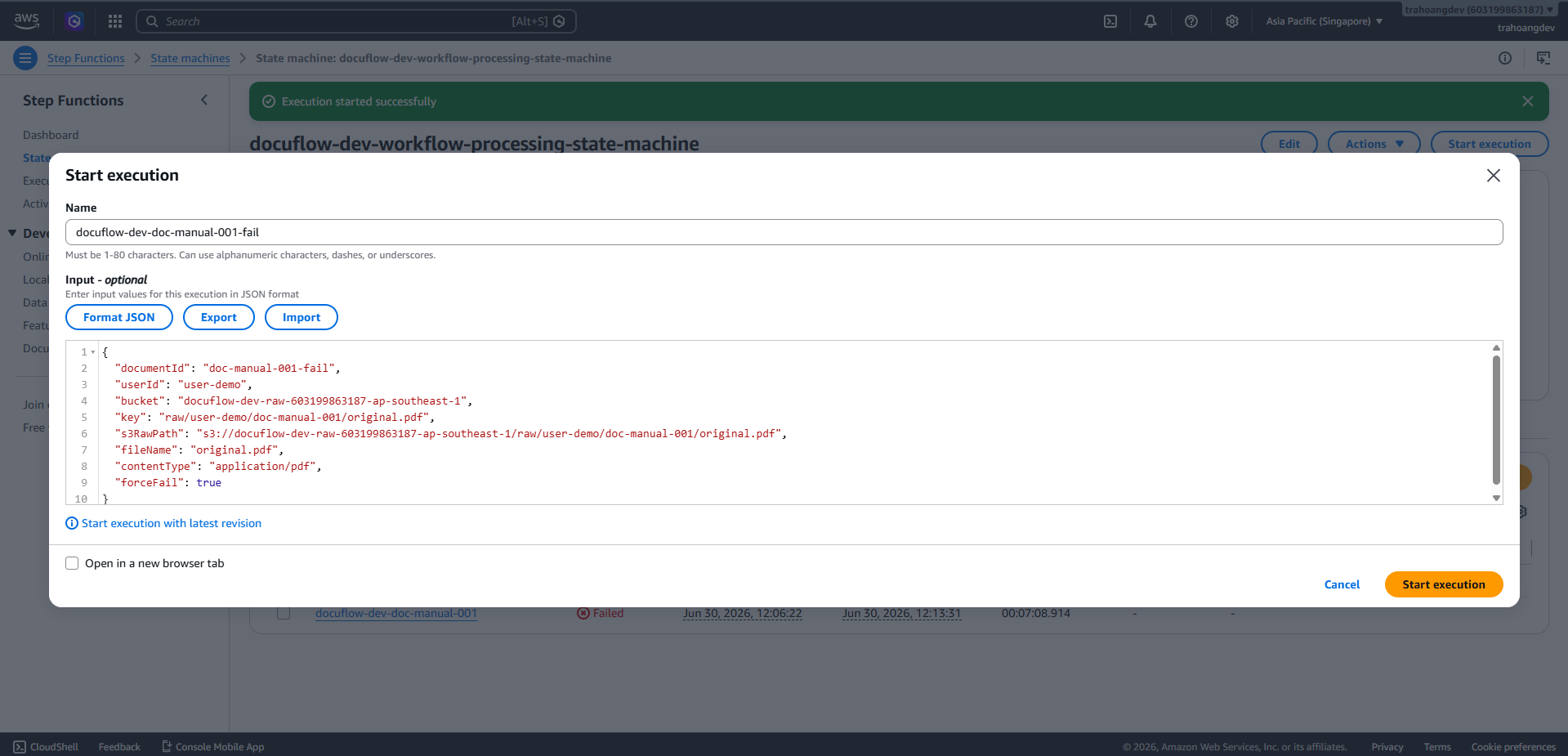
Test failure path:
- Click New execution.
- Execution name:
docuflow-dev-doc-manual-001-fail - Input JSON:
{
  "documentId": "doc-manual-001-fail",
  "userId": "user-demo",
  "bucket": "docuflow-dev-raw-[accountId]-ap-southeast-1",
  "key": "raw/user-demo/doc-manual-001/original.pdf",
  "s3RawPath": "s3://docuflow-dev-raw-[accountId]-ap-southeast-1/raw/user-demo/doc-manual-001/original.pdf",
  "fileName": "original.pdf",
  "contentType": "application/pdf",
  "forceFail": true
}
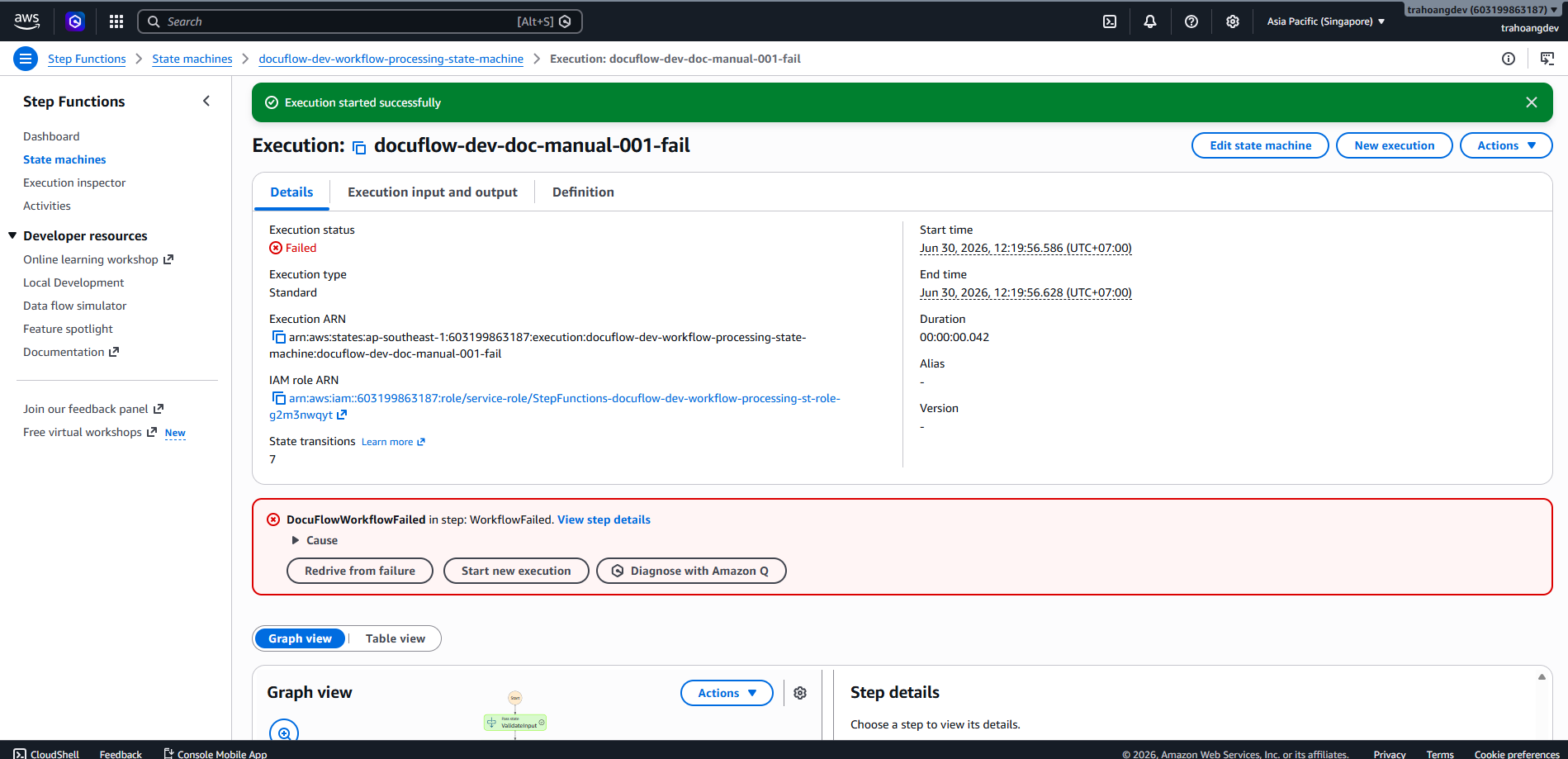
- The graph will flow:
ValidateInput -> CheckForceFailure -> UpdateStatusFailed -> MockPublishFailureAlert -> WorkflowFailed.